
Introduction: Why Canva AI is the Best AI Tool in 2025
In 2025, AI tools are dominating almost every field — from blogging and video editing to marketing and business presentations. Among all these tools, Canva AI has become the go-to choice for millions of content creators, marketers, freelancers, and small businesses. The reason is simple: Canva combines ease of use with powerful AI-driven automation, giving users professional-quality results without requiring any technical design skills.
Unlike traditional design software like Photoshop or Illustrator, Canva AI is built for speed and accessibility. You don’t need to spend months learning complex tools — Canva AI does the heavy lifting by generating instant designs, suggesting layouts, and even creating content for you. Whether you are designing a YouTube thumbnail, an Instagram reel, a blog banner, or even a professional presentation, Canva AI can create it in seconds.
The best part? Canva AI is not limited to just images. With AI text-to-image, AI presentations, Magic Write (AI copywriting), and even AI video editing features, it has transformed into a complete content creation powerhouse. That’s why in 2025, when people search for the best AI tools for content creators, Canva AI is always at the top of the list.
If you are a beginner, Canva AI will help you start your journey into design and content creation without any struggle. And if you are already a pro, the AI features will save you hours of work, letting you focus on strategy and creativity. This guide will explain what Canva AI is, its features, how to use it step by step, pro tips, pros & cons, and alternatives — everything you need to go from beginner to pro in Canva AI.
What is Canva AI?
Canva AI is an advanced AI-powered design and content creation tool developed within the popular Canva platform. It uses artificial intelligence to help users create stunning graphics, social media posts, blog banners, presentations, videos, and marketing content in just a few clicks. Instead of spending hours on design, Canva AI allows you to simply type a prompt like “create a modern YouTube thumbnail with bold text and gradient background”, and it instantly generates professional-quality results. With features like Magic Write (AI copywriting), AI presentations, text-to-image generation, and even AI video editing, Canva AI has become one of the most used AI tools in 2025 for beginners, freelancers, businesses, and content creators worldwide.
With over 135 million active users, Canva AI has become one of the most used AI tools for design in 2025, making it a must-have for freelancers, businesses, and social media creators.
Key Features of Canva AI in 2025
Here’s what makes Canva AI tools the best choice for creators today:
| Feature | Canva AI Free | Canva AI Pro |
| AI Text to Image | ✅ Basic | ✅ High-quality, advanced |
| Magic Write (AI Text Generator) | Limited | Unlimited |
| Presentation Maker | ✅ | ✅ With premium templates |
| AI Video Editor | ❌ | ✅ |
| AI Background Remover | ❌ | ✅ |
| Brand Kit & Automation | ❌ | ✅ |
| Collaboration Tools | ✅ | ✅ Advanced |
| Price | Free | $12.99/month |
With these Canva AI features, both free and Pro versions give content creators a powerful toolkit for design, marketing, and productivity.
How to Use Canva AI (Step-by-Step for Beginners)
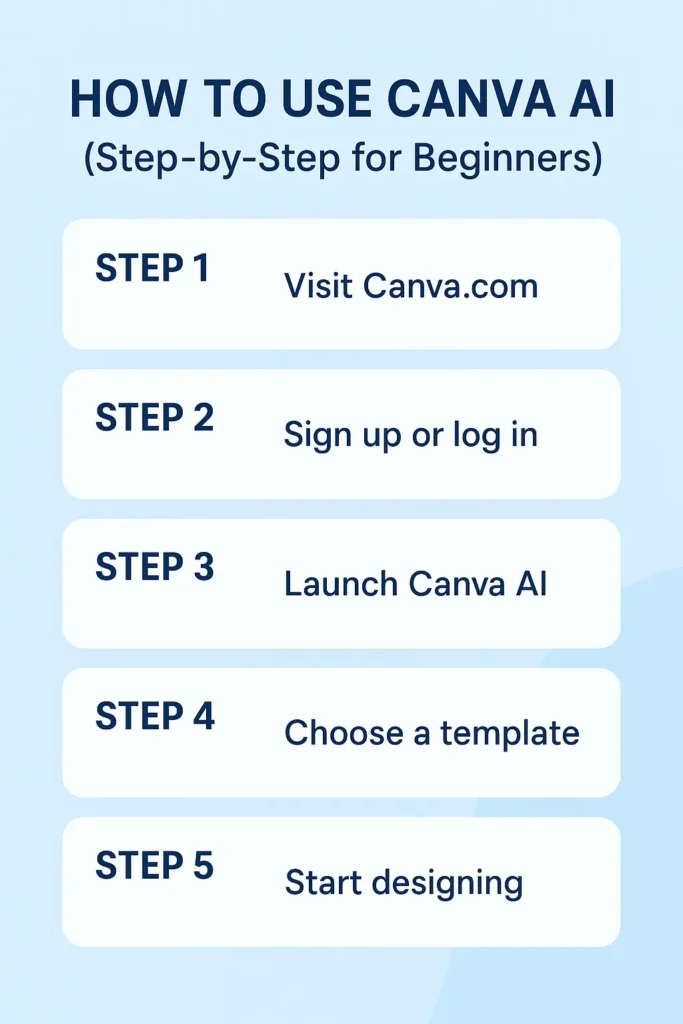
Here’s a step-by-step guide to start using Canva AI tools in 2025:
- Go to Canva Website – Visit Canva AI or download the Canva AI app.
- Sign Up / Login – Create a free account or log in.
- Explore Canva AI Tools – Use features like Magic Write, AI Text to Image, or AI Presentation Maker.
- Choose a Template – Canva AI will suggest templates based on your needs (social media, resume, flyer, presentation).
- Use Prompts Effectively – Be clear when using Canva Magic Write (e.g., “Write Instagram captions for travel blogs”).
- Edit & Customize – Add branding, logos, or animations.
- Download & Share – Save in multiple formats (PDF, PNG, MP4) or share directly.
💡 Pro Tip: If you want unlimited usage and advanced design tools, upgrade to Canva AI Pro.
Pro Tips to Get the Most Out of Canva AI
To use Canva AI like a pro, follow these expert tips:
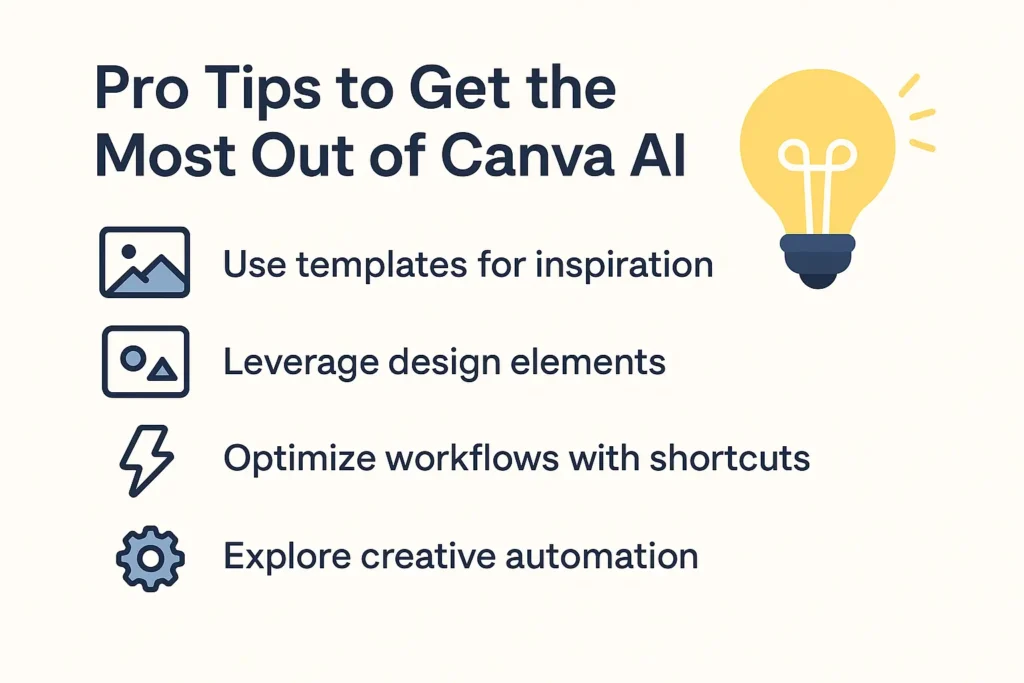
- Use Canva AI Magic Write to generate blog posts, captions, and marketing copy instantly.
- Try Canva AI text-to-image for creating unique images without stock photos.
- Save your brand kit in Canva AI for consistent logos, fonts, and colors.
- Combine Canva AI video editor with templates to make professional YouTube shorts, reels, and ads.
- Use Canva AI background remover to create product photos for e-commerce.
- Always explore new Canva AI tools and updates in 2025 to stay ahead.
Pros & Cons of Canva AI
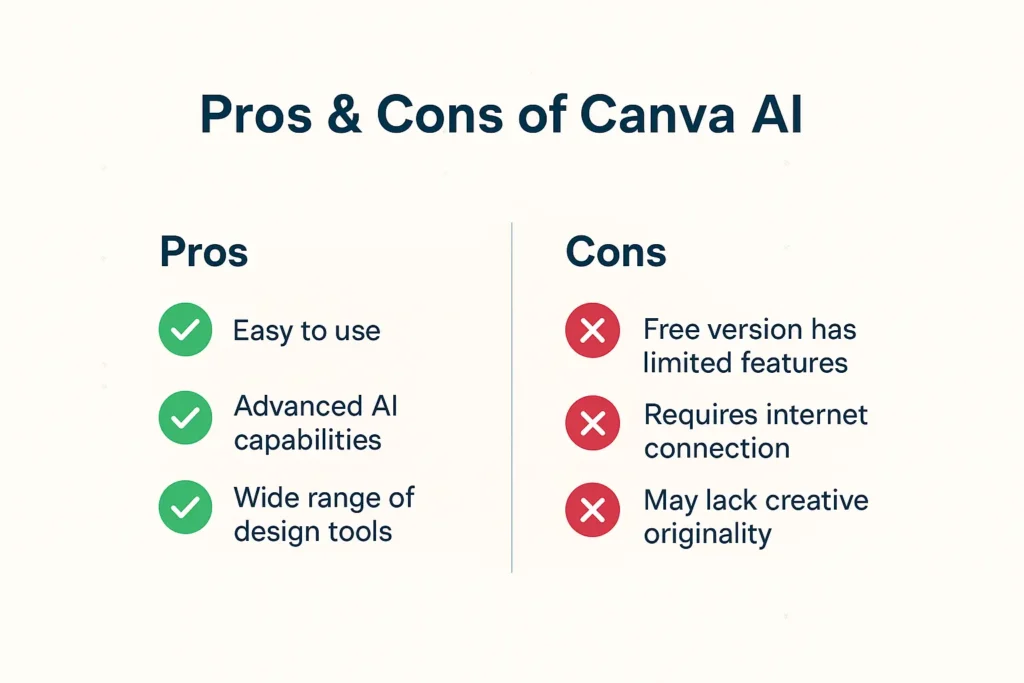
Like every AI tool, Canva AI has advantages and limitations:
✅ Pros:
- Easy-to-use interface (perfect for beginners)
- All-in-one design + AI writing + video editing tool
- Available as Canva AI free and Canva AI Pro
- Saves hours in design and content creation
- Great for social media, business, and students
❌ Cons:
- Free version has limited AI features
- Some AI-generated content needs manual editing
- Pro version requires subscription
Best Alternatives to Canva AI in 2025
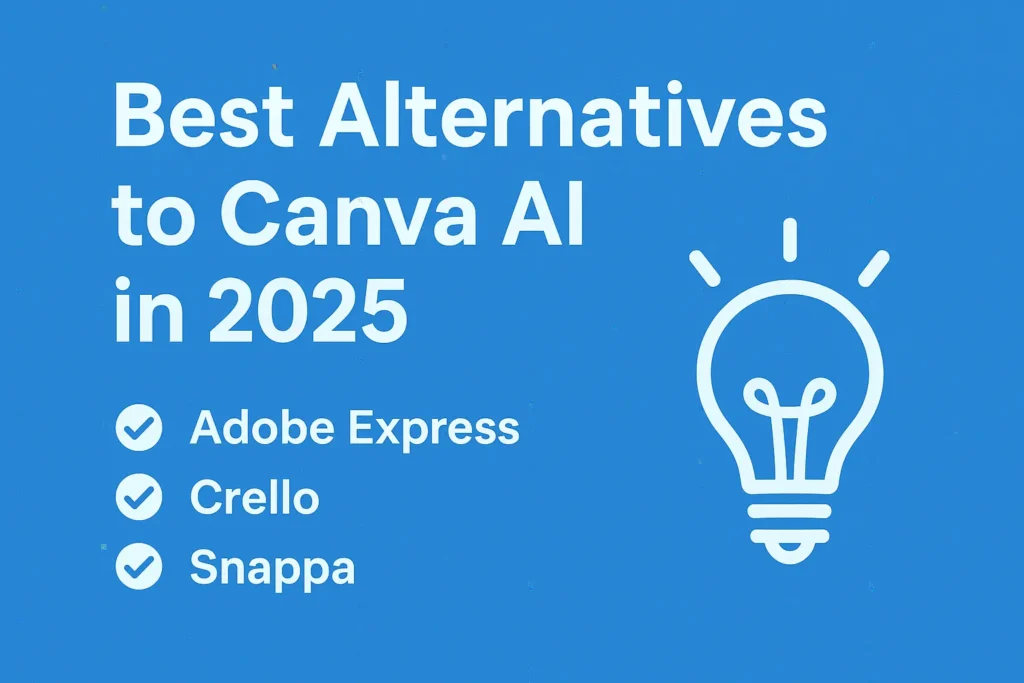
While Canva AI is one of the best AI design tools, here are some alternatives to Canva AI:
- Adobe Express AI – For advanced professionals.
- Fotor AI – Great for AI photo editing.
- VistaCreate AI – Canva-like tool with extra templates.
- Crello AI – Easy-to-use design AI tool for beginners.
Final Thoughts
Whether you use Canva AI free or Canva AI Pro, it is undoubtedly one of the best AI tools for content creators in 2025. From AI-powered text generation to automatic video editing and professional branding, Canva AI saves time and makes creativity effortless.
If you’re serious about content creation, marketing, or building a brand, Canva AI tools should be your go-to choice.
💡 Want to explore more AI tools like Canva AI? Check out my other guide here: Blog
FAQs About Canva AI
1. Is Canva AI free?
Yes, Canva AI is available for free with limited features. For advanced tools, you need Canva Pro.
2. What is Canva Magic Write?
Canva Magic Write is an AI text generator that helps you create blog posts, captions, and marketing content instantly.
3. Does Canva AI create images?
Yes, Canva AI has a text-to-image feature that generates original images from text prompts.
4. Is Canva AI better than ChatGPT?
ChatGPT is best for text and conversations, while Canva AI is best for design and visuals. Many creators use both together.
5. Can I use Canva AI for YouTube and social media?
Absolutely! Canva AI Pro has tools for YouTube thumbnails, Instagram reels, TikTok videos, and more.
Pingback: Best Free AI Tools for Content Creators in 2025 -
thc gummies bulk shipping worldwide with low rates
Thank you for your sharing. I am worried that I lack creative ideas. It is your article that makes me full of hope. Thank you. But, I have a question, can you help me?
Yes , why not … Please tell..
Can you be more specific about the content of your article? After reading it, I still have some doubts. Hope you can help me.
Your point of view caught my eye and was very interesting. Thanks. I have a question for you.