
Introduction: Why Pictory AI is the Best AI Video Tool in 2025
Video content is dominating the digital world in 2025. From YouTube to TikTok, Instagram Reels to LinkedIn marketing — videos are the fastest-growing medium for creators and businesses. But the biggest problem? Video editing takes a lot of time, skills, and money.
That’s where Pictory AI 2025 comes in. It is one of the most advanced AI-powered video creation tools, designed to help beginners and professionals make high-quality videos in minutes. Whether you’re a content creator, marketer, teacher, or business owner, Pictory AI makes it easy to turn your ideas into engaging videos without needing expensive software or editing skills.
This complete beginner-to-pro guide will walk you through everything you need to know about Pictory AI — its features, benefits, step-by-step usage, pricing, pros & cons, best alternatives, and expert tips to maximize your productivity.
What is Pictory AI?
Pictory AI is an online, cloud-based AI video editing and creation platform that helps users create stunning videos automatically. Unlike traditional editing tools such as Adobe Premiere Pro or Final Cut Pro, Pictory AI is built for speed, simplicity, and automation.
Some of the key things Pictory AI can do:
- Convert text into professional videos (great for turning blogs into video content).
- Automatically summarize long-form videos like podcasts, webinars, and meetings.
- Generate captions and subtitles with over 90% accuracy.
- Provide access to millions of stock images, videos, and background music.
- Add voiceovers in different languages and accents.
- Export in multiple formats optimized for YouTube, Instagram, TikTok, LinkedIn, and more.
👉 In short, Pictory AI makes it possible to create more content in less time without hiring editors.
Key Features of Pictory AI in 2025
Pictory AI is packed with features that make it stand out. Here’s a detailed breakdown of what you can do with it:
- Text-to-Video Conversion
Convert blog posts, scripts, or social media content into engaging videos. Perfect for repurposing written content. - Automatic Subtitles & Captions
85% of videos on social media are watched without sound. Pictory AI automatically generates captions to improve reach and engagement. - Video Summarizer
Got a 1-hour webinar? Pictory AI can cut it into bite-sized highlights for social media. - Voiceover Options
Choose from AI-generated voices in multiple languages or upload your own professional narration. - Stock Media Library
Access millions of royalty-free video clips, images, and background music to make your video look professional. - Branding Features
Add your logo, intro/outro, brand colors, and fonts. Maintain consistency across all your video content. - Social Media Ready Exports
Export videos in different formats: vertical (TikTok, Instagram), horizontal (YouTube), or square (Facebook, LinkedIn).
Who Should Use Pictory AI?
Pictory AI isn’t just for YouTubers. It is a multi-purpose tool that works for almost every type of content creator:
- YouTubers & Vloggers → Save hours of editing time and produce consistent videos.
- Digital Marketers → Quickly create ad creatives, product promos, and explainer videos.
- Educators & Coaches → Turn lectures into professional learning videos with captions.
- Startups & Businesses → Make training videos, onboarding tutorials, and product explainers.
- Bloggers & Writers → Repurpose written blogs into videos to increase organic reach.
- Social Media Influencers → Create engaging short-form videos for Instagram Reels and TikTok.
👉 Basically, if you want to save time, increase productivity, and grow your online presence, Pictory AI is for you.
How to Use Pictory AI (Step-by-Step Guide)
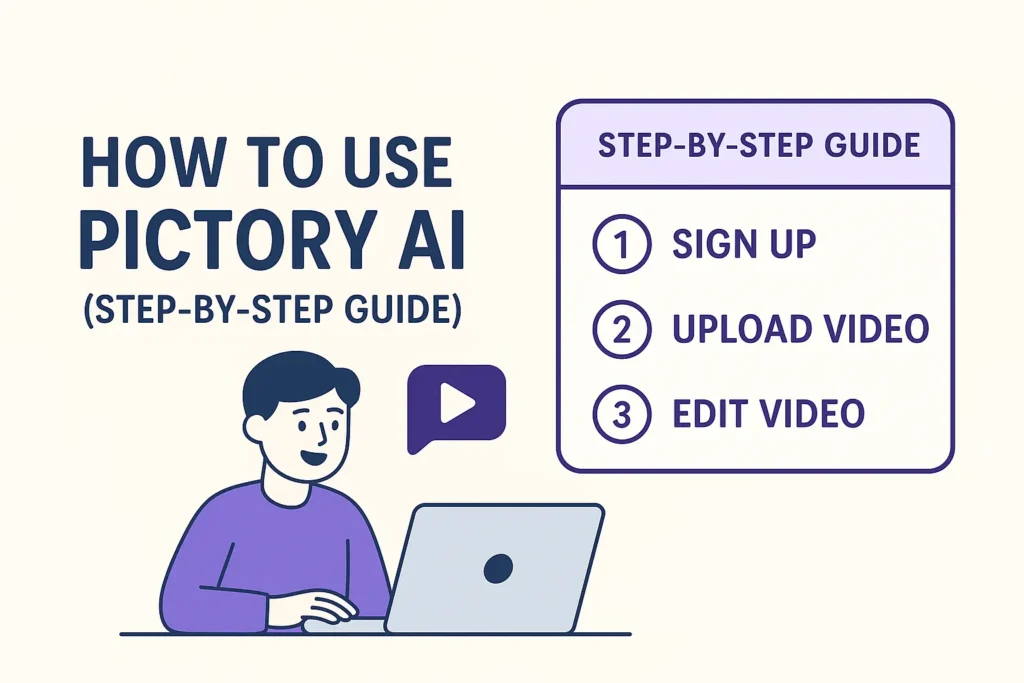
Even if you’ve never edited a video before, you can use Pictory AI. Here’s a simple step-by-step guide:
- Sign Up → Go to Pictory AI official website and create a free trial account.
- Choose Your Project Type → Options include:
- Script to Video
- Article to Video
- Edit Video Using Text
- Video Summarizer
- Input Content → Paste your blog post, script, or upload a video file.
- Select Template → Choose from pre-designed templates that match your brand.
- Customize Media → Replace stock images/videos, add your own footage, and edit captions.
- Add Voiceover & Music → Pick an AI voice, upload your own voiceover, or use background music.
- Preview & Edit → Adjust scenes, text overlays, and transitions.
- Export Video → Download in MP4 format or directly publish to YouTube, Instagram, or LinkedIn.
👉 Total time required: 10–15 minutes per video.
Pictory AI vs Human Video Editing
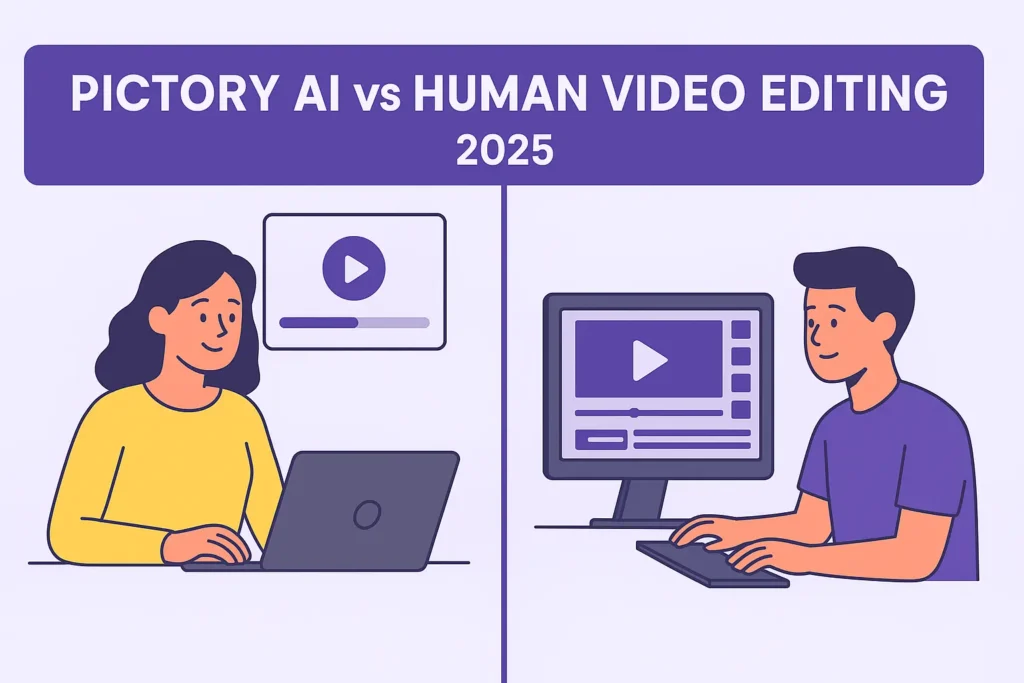
One common question: Can Pictory AI replace professional editors?
- Speed → Pictory AI makes videos in minutes; human editors may take hours or days.
- Cost → AI subscriptions are affordable; hiring an editor is expensive.
- Creativity → AI is fast, but human editors bring emotional storytelling.
- Scalability → AI allows you to create 10X more videos in less time.
✅ Conclusion: Use Pictory AI for bulk video production and rely on human editors for special, high-quality projects.
Best Alternatives to Pictory AI in 2025
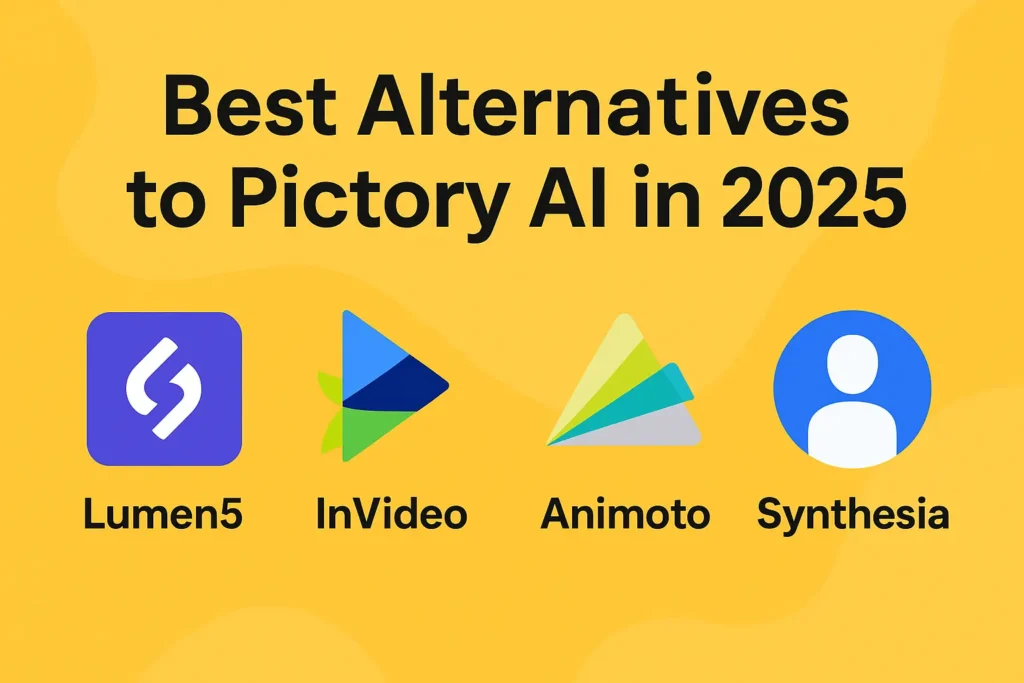
While Pictory AI is powerful, here are some popular alternatives you may also consider:
- InVideo AI → Perfect for marketing ads and social media videos.
- Synthesia AI → Specializes in AI avatar-based videos.
- Lumen5 → Beginner-friendly text-to-video platform.
- Descript → Great for podcasters and transcription-based editing.
- FlexClip → Affordable AI video maker with templates.
Pros & Cons of Pictory AI
✅ Pros
- User-friendly for beginners
- Saves hours of editing time
- Professional results with stock media library
- AI captions increase accessibility
- Affordable compared to hiring editors
❌ Cons
- Limited customization for advanced projects
- AI voices may sound robotic sometimes
- Cloud-based (needs strong internet)
Pricing of Pictory AI (2025 Plans)
Pictory AI offers multiple plans based on your needs:
- Free Trial → Limited exports with watermark
- Standard Plan ($19/month) → Great for individuals and small creators
- Premium Plan ($39/month) → Perfect for professionals and businesses
- Enterprise Plan (Custom pricing) → Tailored for large teams and organizations
👉 Compared to professional video editing costs, Pictory AI is 10x more affordable.
Final Thoughts – Should You Use Pictory AI in 2025?
If you want to create videos quickly, affordably, and without technical skills, Pictory AI is a must-have tool in 2025. While it may not fully replace advanced editors, it’s ideal for creators who need consistent content at scale.
Whether you’re a YouTuber, digital marketer, educator, or business owner, Pictory AI helps you save time, grow faster, and reach more people with engaging video content.
✅ Verdict: Pictory AI 2025 is one of the best AI video tools for content creators.
Frequently Asked Questions (FAQs)
1. Is Pictory AI free to use?
Pictory AI offers a free trial with limited features. For full access, you’ll need a paid plan starting at $19/month.
2. Can Pictory AI create YouTube videos?
Yes, you can easily create long-form and short-form YouTube videos optimized with captions and branding.
3. Does Pictory AI support multiple languages?
Yes, Pictory AI offers AI-generated voiceovers and captions in multiple languages.
4. Is Pictory AI better than human video editors?
Not always. Pictory AI is best for speed, cost, and scalability, but human editors are still better for creative storytelling.
5. Can I use Pictory AI for business marketing?
Absolutely! Pictory AI is perfect for creating ads, explainer videos, product demos, and social media campaigns.
Pingback: Best Free AI Tools for Content Creators in 2025 -
Pingback: Elon Musk’s Grok-Code-Fast-1 AI: Features – 2025-
Your article helped me a lot, is there any more related content? Thanks!