

Introduction: Why Grammarly AI is the Best AI Tool in 2025
In 2025, content creation is at its peak growth stage. Bloggers, students, professionals, freelancers, and even businesses heavily rely on AI tools to save time, boost productivity, and improve content quality. Among all the available AI writing tools in 2025, one tool consistently stands out — Grammarly AI.
Grammarly has transformed from being a simple grammar checker into a full-fledged AI writing assistant. It not only corrects spelling mistakes but also enhances tone, clarity, vocabulary, sentence structure, and readability. Imagine writing a blog, research paper, or business email — Grammarly AI instantly highlights errors, suggests better alternatives, and ensures your message is delivered clearly and professionally.
Whether you’re searching for Grammarly free, Grammarly premium, Grammarly AI app, Grammarly extension, or Grammarly plagiarism checker, this complete guide will help you move from beginner to pro in using Grammarly AI.
👉 By the end of this blog, you’ll know exactly how to:
- Use Grammarly AI effectively
- Unlock hidden features
- Understand its pros & cons
- Compare Grammarly Free vs Premium
- Explore the best alternatives in 2025
What is Grammarly AI?
Grammarly AI is more than just a grammar tool — it is a smart AI-powered writing assistant developed to make your writing error-free, polished, and impactful.
Launched in 2009 as a grammar checker, Grammarly has evolved into a powerful AI tool in 2025 with advanced features like:
✅ Real-time grammar correction (spelling, punctuation, sentence structure)
✅ Vocabulary suggestions for professional writing
✅ Tone detection – choose between formal, casual, academic, or persuasive writing
✅ Plagiarism checker – scan across millions of sources
✅ AI writing suggestions – rewrite or generate better versions of your content
👉 With 50+ million active users in 2025, Grammarly AI has become one of the most trusted AI tools worldwide.
💡 Example: If you write, “He go to market yesterday”, Grammarly AI instantly suggests, “He went to the market yesterday”.
Key Features of Grammarly AI in 2025
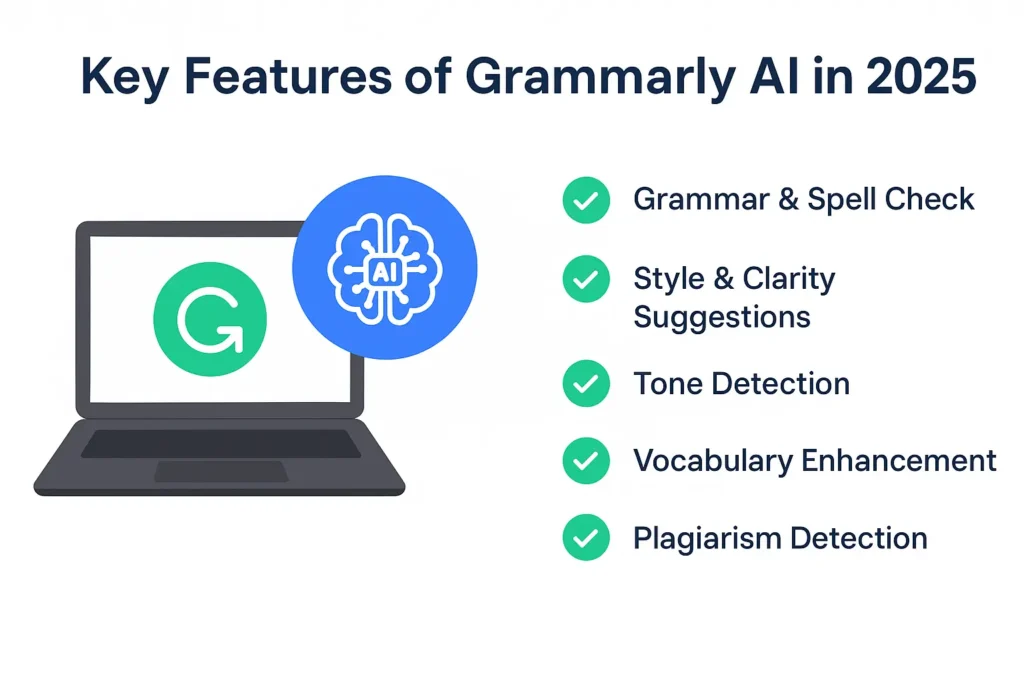
Here’s a breakdown of Grammarly features:
| Feature | Grammarly Free | Grammarly Premium | Grammarly Business |
|---|---|---|---|
| Grammar & Spell Check | ✅ | ✅ | ✅ |
| Style & Clarity Suggestions | ✅ | ✅ | ✅ |
| Tone Detection | ❌ | ✅ | ✅ |
| Vocabulary Enhancement | ❌ | ✅ | ✅ |
| Plagiarism Detection | ❌ | ✅ | ✅ |
| AI Writing Suggestions | Limited | Advanced | Team-level Support |
| Price | Free | $12/month | Custom Plans |
👉 Grammarly Free – Perfect for students & beginners.
👉 Grammarly Premium – Unlocks plagiarism checker, tone optimization & advanced AI rewriting.
👉 Grammarly Business – Best for teams, agencies, and companies.
Who Should Use Grammarly AI?
Grammarly AI is helpful for almost everyone who writes online or offline.
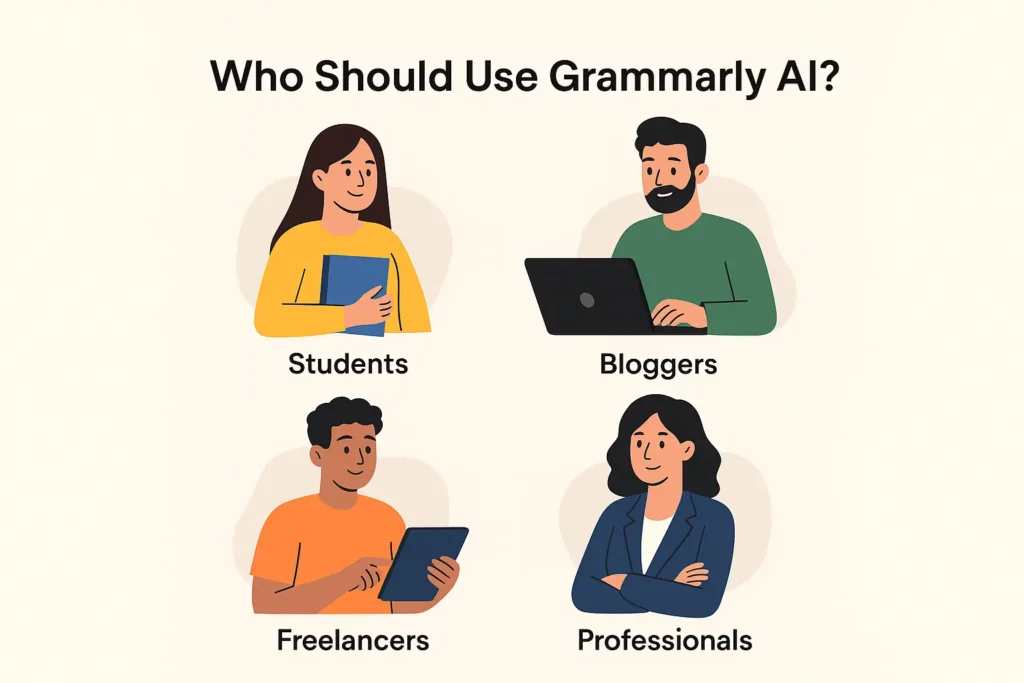
- Students – Write error-free essays, assignments, and research papers.
- Bloggers & Content Creators – Create SEO-friendly, polished blogs.
- Professionals – Draft perfect business emails, reports, and presentations.
- Freelancers – Deliver error-free work to clients, boosting credibility.
- Non-native English Speakers – Improve fluency and professional tone.
👉 If you’re into academic writing, blogging, business communication, or freelancing, Grammarly AI is a must-have in 2025.
How to Use Grammarly AI (Step-by-Step Guide)
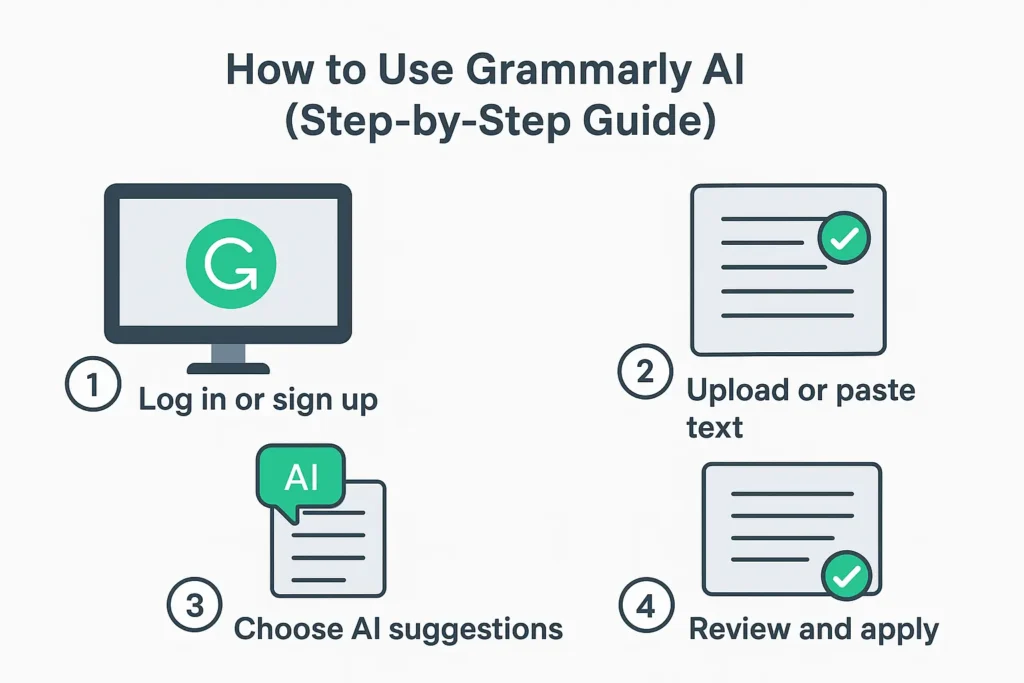
1⃣ Go to Grammarly Website – Visit grammarly.com or download the app.
2⃣ Sign Up / Login – Create a free account with Google or email.
3⃣ Choose a Plan – Free for basics, Premium for full features.
4⃣ Install Grammarly Extension – Works on Chrome, Edge, Firefox.
5⃣ Use Grammarly App – Available on Windows, Mac, Android, iOS.
6⃣ Paste or Write Directly – Grammarly editor highlights & fixes errors.
7⃣ Enable Grammarly Keyboard – On mobile, get real-time corrections everywhere.
💡 Example: Sending an email on Gmail? Grammarly extension will auto-correct in real-time.
Grammarly AI vs Human Proofreading
Many people ask: “Is Grammarly better than a human proofreader?”
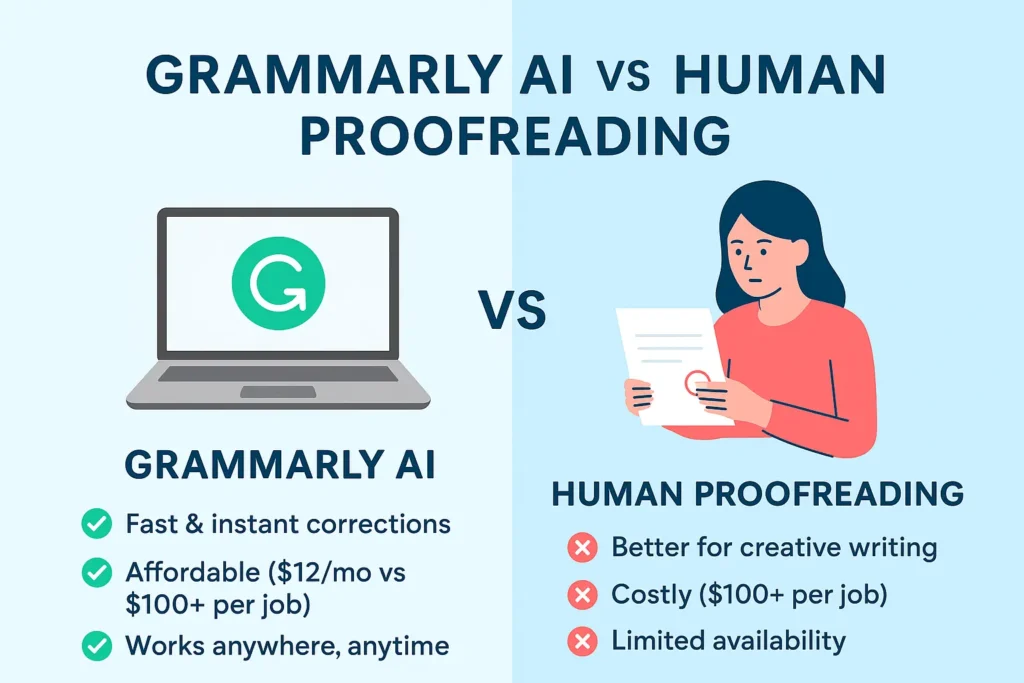
👉 Grammarly AI Advantages:
- Instant corrections
- Affordable (Free or $12/month vs $50–$200 per proofreading job)
- Works everywhere, anytime
👉 Human Proofreader Advantages:
- Better for creative writing & emotional tone
- Understands cultural & contextual nuances
✅ Best Approach in 2025: Use Grammarly AI + human editing (if needed for high-level projects like books, journals, or legal writing).
Pro Tips for Using Grammarly Like a Pro
✅ Upgrade to Grammarly Premium for plagiarism checker & tone improvement.
✅ Use Grammarly + ChatGPT together (ChatGPT for generating content, Grammarly for polishing).
✅ Adjust tone settings for emails, blogs, or academic writing.
✅ Enable Grammarly’s weekly writing reports to track progress.
✅ Use the Grammarly AI email response generator to save time in business communication.
Pros & Cons of Grammarly AI
✅ Pros:
- Best AI grammar checker tool in 2025
- Grammarly Free offers strong features
- Works across browsers, apps & mobile devices
- Improves grammar, clarity, vocabulary, and tone
- Premium includes a plagiarism checker – essential for students & bloggers
❌ Cons:
- Premium costs $12/month
- Free version lacks plagiarism detection
- Sometimes AI suggestions feel too strict for creative writers
Best Alternatives to Grammarly in 2025
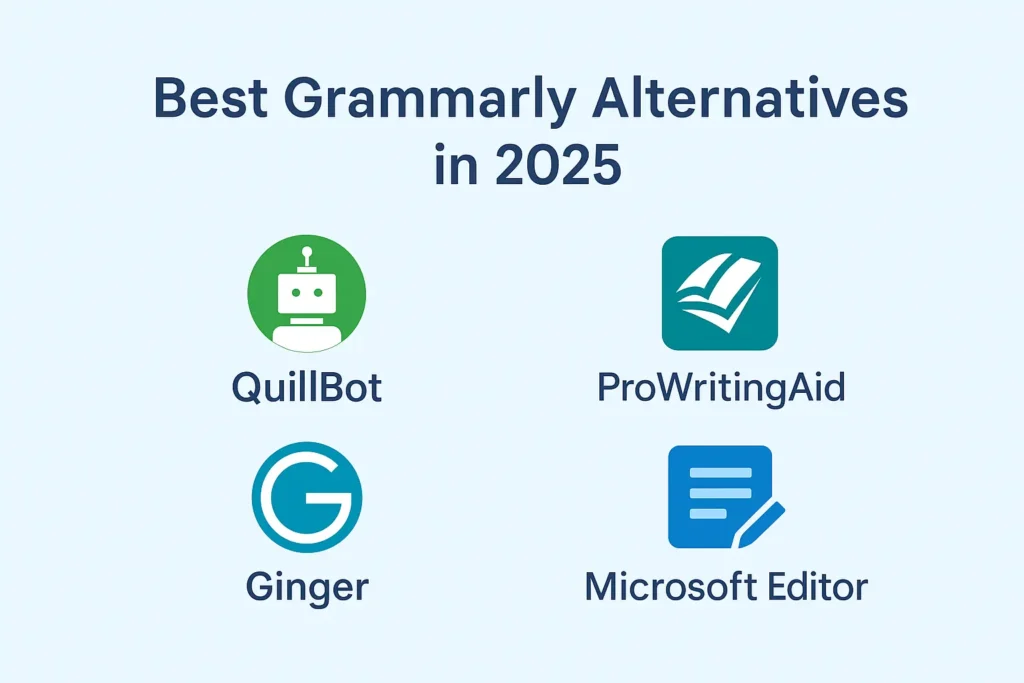
If Grammarly doesn’t fit your budget or style, try these:
- QuillBot AI – Best for paraphrasing & rewriting
- ProWritingAid – Detailed grammar analysis & writing reports
- Ginger Software – Grammar checker with translation support
- Microsoft Editor – Built-in free tool for Word & Outlook users
👉 Grammarly is still #1 in 2025, but these are great backups.
Tips to Save Money on Grammarly Premium
💡 Want Grammarly Premium but worried about cost? Here are tricks:
- Use the free trial before buying.
- Watch out for student discounts.
- Grammarly often runs Black Friday deals with 50% off.
- Share a Grammarly Business plan with teammates to reduce cost.
Final Thoughts
In 2025, Grammarly AI remains one of the best AI tools for content creators. From fixing small grammar errors to rewriting full paragraphs, Grammarly ensures your writing is clear, professional, and plagiarism-free.
👉 For beginners – Grammarly Free is enough.
👉 For bloggers, professionals & students – Grammarly Premium is a must-have.
Combine Grammarly with ChatGPT (for content generation) and Canva AI (for visuals) to create professional, SEO-optimized content that grows your online presence.
FAQ Section (SEO Optimized)
Q1. Is Grammarly free in 2025?
Yes, Grammarly Free includes grammar, spelling, and clarity suggestions. Premium unlocks plagiarism & advanced features.
Q2. Is Grammarly AI worth it for students?
Absolutely! It helps students write error-free essays, detect plagiarism, and improve academic writing.
Q3. Can Grammarly detect plagiarism?
Yes. Grammarly Premium scans millions of academic papers, blogs, and articles.
Q4. Which is better – Grammarly Free or Premium?
Free is good for casual writing. Premium is best for bloggers, professionals, and students.
Q5. What are the best Grammarly alternatives?
QuillBot, ProWritingAid, Ginger, and Microsoft Editor.
Pingback: Best Free AI Tools for Content Creators in 2025 -
Your article helped me a lot, is there any more related content? Thanks!
Thanks for sharing. I read many of your blog posts, cool, your blog is very good.
Thanks for sharing. I read many of your blog posts, cool, your blog is very good.