
Introduction: Why Notion AI is the Future of Productivity in 2025
In 2025, productivity tools are becoming smarter with AI integration. From students to professionals, everyone is using AI to save time, organize tasks, and boost efficiency. Among all the AI-powered productivity tools available, Notion AI stands out as one of the best in 2025.
Notion started as a note-taking and project management app, but with the power of AI, it has become a complete productivity assistant. Whether you are writing, brainstorming, summarizing, or managing workflows — Notion AI helps you do it faster and smarter.
👉 By the end of this guide, you’ll understand:
- What Notion AI is and how it works
- Key features of Notion AI in 2025
- Who should use it
- A step-by-step guide to get started
- Pros & Cons
- Free vs Paid Plans
- Best alternatives available in 2025
What is Notion AI?
Notion AI is an advanced AI-powered assistant built into Notion — one of the world’s most popular productivity apps. It enhances your workflow by helping you write, summarize, brainstorm, translate, and manage tasks with the power of artificial intelligence.
Notion was launched in 2016 as a workspace app for notes and tasks. But in 2023, Notion AI was introduced, and by 2025, it has become an indispensable tool for millions of users worldwide.
👉 With Notion AI, you can:
- Generate content ideas instantly
- Write emails, blogs, or reports within seconds
- Summarize long documents
- Translate text into multiple languages
- Manage tasks with smart suggestions
💡 Example: Suppose you have a long meeting note. With one click, Notion AI creates a summary with action items — saving hours of manual work.
Key Features of Notion AI in 2025
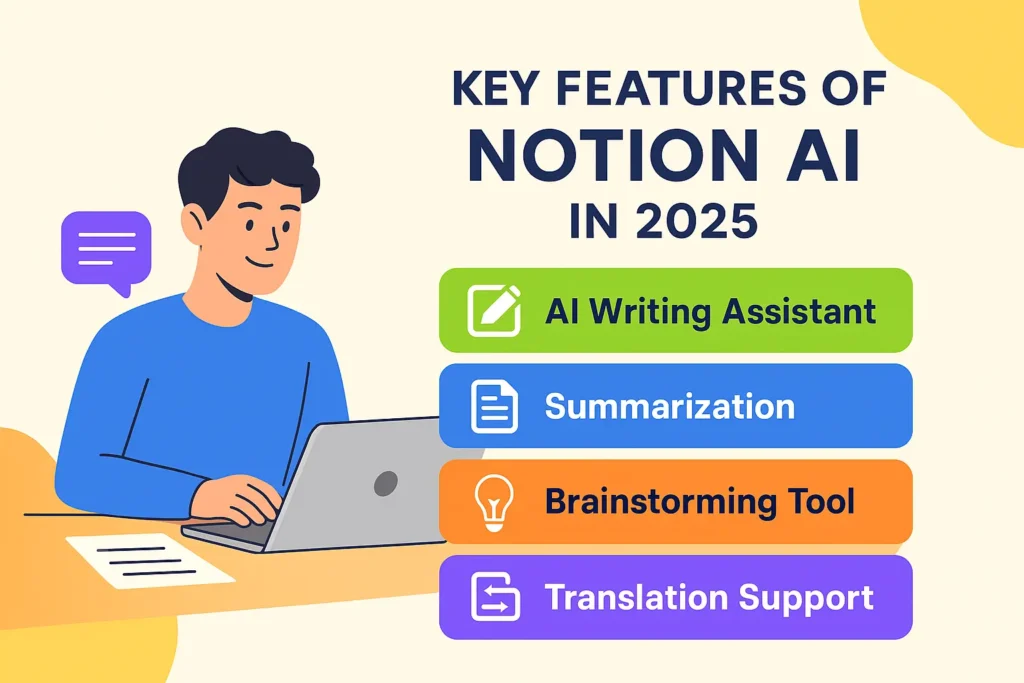
Here are the most powerful features of Notion AI:
✅ AI Writing Assistant – Drafts blogs, essays, and emails.
✅ Summarization – Converts long articles into quick summaries.
✅ Brainstorming Tool – Generates new ideas for content, projects, or strategies.
✅ Translation Support – Instantly translates text into multiple languages.
✅ Task Automation – Suggests deadlines, reminders, and task priorities.
✅ Tone Adjustment – Rewrite content in formal, casual, or creative tone.
✅ Data Handling – Creates quick insights from tables, notes, and databases.
📊 Table – Free vs Premium Features
| Feature | Notion Free | Notion Plus / Business | Notion AI Add-on |
|---|---|---|---|
| Notes & Tasks | ✅ | ✅ | ✅ |
| Collaboration | Limited | Advanced | Advanced |
| AI Writing & Summaries | ❌ | ❌ | ✅ |
| AI Brainstorming | ❌ | ❌ | ✅ |
| Translation | ❌ | ❌ | ✅ |
| Price | Free | $8–15/month | $8/month (add-on) |
👉 The AI add-on is optional. You can use Notion normally without AI, but enabling Notion AI unlocks its full power.
Who Should Use Notion AI?
Notion AI is perfect for:
- Students – Summarize lectures, draft essays, and create study notes.
- Bloggers & Writers – Brainstorm new ideas, outline blogs, and write faster.
- Freelancers – Manage projects, proposals, and client communications.
- Business Teams – Organize workflows, reports, and team collaboration.
- Researchers – Quickly summarize academic papers.
- Content Creators – Script YouTube videos, podcasts, or social media posts.
👉 If you want to save time, boost productivity, and stay organized, Notion AI is one of the best choices in 2025.
How to Use Notion AI (Step-by-Step Guide)
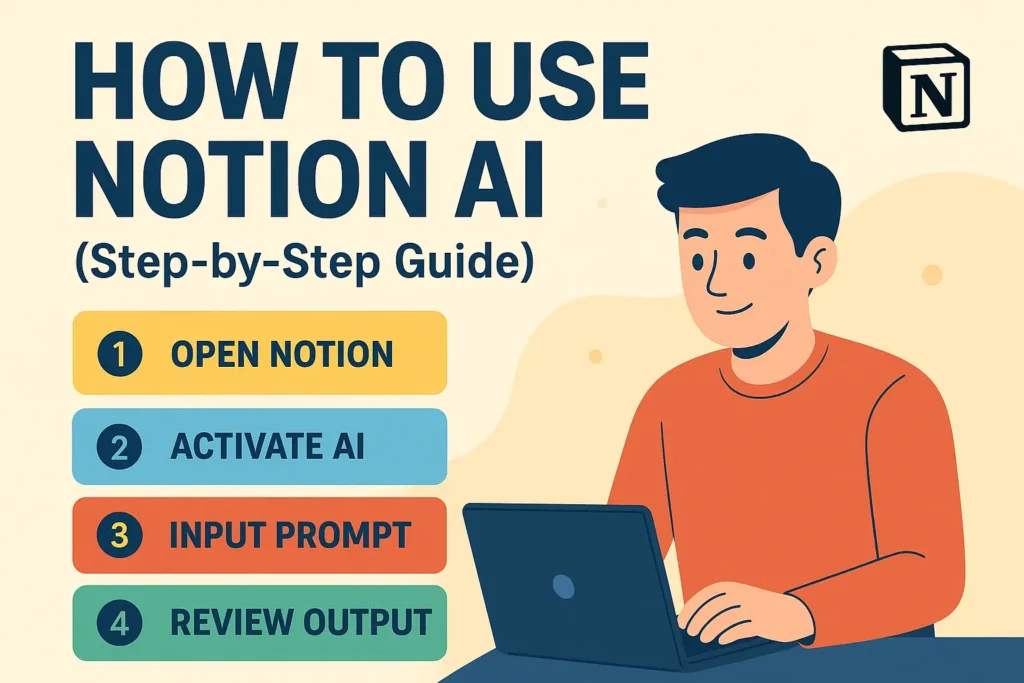
1⃣ Sign Up for Notion – Go to notion.so and create an account.
2⃣ Set Up Workspace – Create a page for notes, tasks, or projects.
3⃣ Enable Notion AI – Subscribe to the AI add-on (optional but powerful).
4⃣ Type /AI Command – Inside your workspace, type /AI to see AI options.
5⃣ Choose Function – Select from “Summarize”, “Translate”, “Brainstorm”, “Draft Blog”, etc.
6⃣ Review & Edit – Notion AI generates results instantly, but you can edit them.
7⃣ Use Templates – Notion provides AI-powered templates for notes, project tracking, and writing.
💡 Example: If you paste a 2,000-word article, Notion AI can create a 100-word summary in seconds.
Pros & Cons of Notion AI
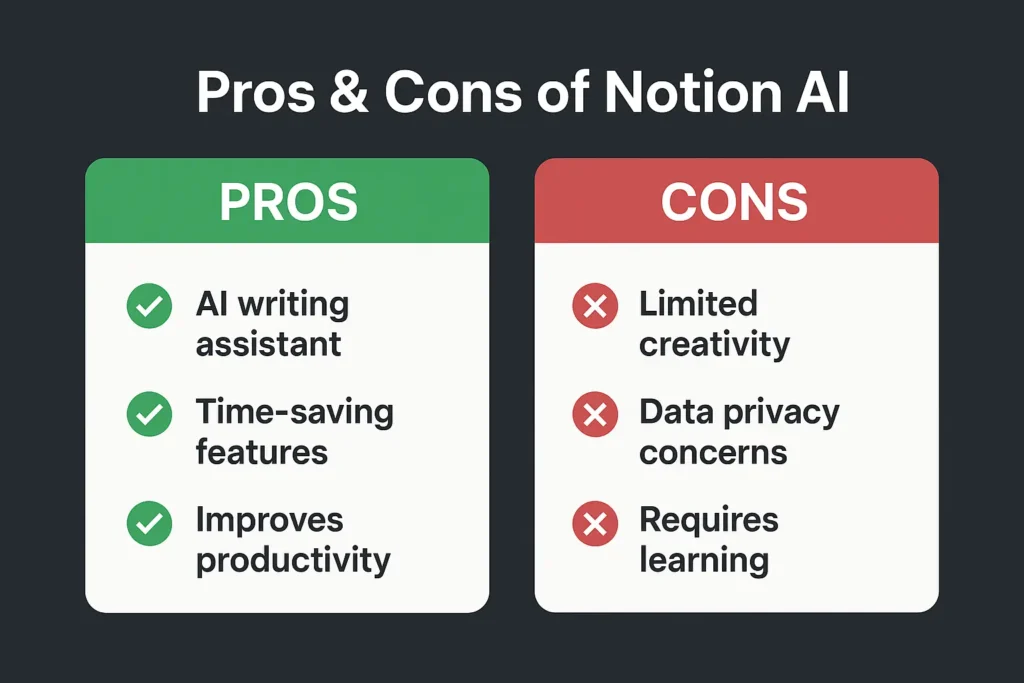
✅ Pros:
- Saves hours of writing and summarizing
- Boosts creativity with idea generation
- Integrates directly into your existing Notion workspace
- Works for both individuals & teams
- Affordable compared to hiring writers or assistants
❌ Cons:
- AI Add-on costs extra ($8/month)
- Sometimes outputs generic responses
- Requires manual review for accuracy
- Internet connection needed
Notion AI Free vs Paid (Pricing 2025)
Notion offers multiple plans:
- Notion Free – Best for individuals, includes basic note-taking and task management (no AI).
- Notion Plus ($8/month) – For small teams, adds more storage & collaboration features.
- Notion Business ($15/month) – Advanced features for teams and companies.
- Notion AI Add-On ($8/month per user) – Adds AI writing, summarization, brainstorming, and more.
👉 If you’re a student or solo user, Free + AI Add-On is enough.
👉 For companies, Business + AI is the best choice.
Best Alternatives to Notion AI in 2025
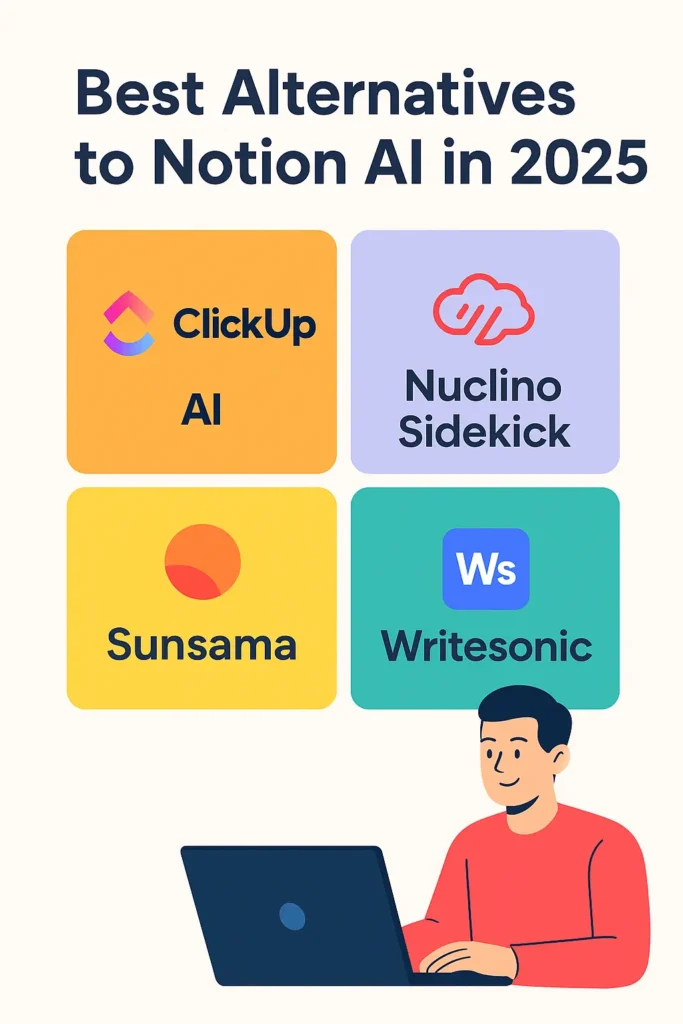
If Notion AI doesn’t fit your style, here are some great alternatives:
- Evernote AI – Great for note-taking and AI summaries.
- ClickUp AI – Best for project management with AI assistance.
- Coda AI – Perfect for teams who need collaboration and document automation.
- Obsidian with AI plugins – Great for writers and researchers.
Final Thoughts – Should You Use Notion AI in 2025?
In 2025, Notion AI is one of the best AI productivity tools available. It helps you:

- Write faster
- Stay organized
- Summarize complex information
- Manage projects with ease
👉 If you’re a student, freelancer, blogger, or professional — Notion AI will save you time and boost your productivity.
💡 Pro Tip: Combine Notion AI with ChatGPT (for creative writing) and Canva AI (for design) to build a complete digital workflow.
FAQ Section (SEO Optimized)
Q1. Is Notion AI free in 2025?
Notion AI is not free. It is available as an $8/month add-on with any Notion plan.
Q2. Can students use Notion AI?
Yes! Students can use Notion AI for notes, summaries, and assignments.
Q3. Is Notion AI worth it in 2025?
Absolutely. If you need faster writing, summarization, and brainstorming, Notion AI is worth every penny.
Q4. What are the best alternatives to Notion AI?
Evernote AI, ClickUp AI, Coda AI, and Obsidian with AI plugins.
Q5. Can Notion AI replace ChatGPT?
No. Notion AI is best for productivity and workflow, while ChatGPT is better for general conversations and creative writing.
Pingback: Best Free AI Tools for Content Creators in 2025 -
Thanks for sharing. I read many of your blog posts, cool, your blog is very good.
Thank you for your sharing. I am worried that I lack creative ideas. It is your article that makes me full of hope. Thank you. But, I have a question, can you help me?
Thanks for sharing. I read many of your blog posts, cool, your blog is very good.
Can you be more specific about the content of your article? After reading it, I still have some doubts. Hope you can help me.