
Introduction: Why QuillBot AI Is Everywhere in 2025
In 2025, artificial intelligence is no longer optional for writers, students, bloggers, marketers, or researchers. The internet is flooded with content, competition is fierce, and originality matters more than ever. This is exactly where QuillBot AI has positioned itself as one of the most trusted and widely used AI writing tools in the world.
From rewriting sentences to improving clarity, fixing grammar, summarizing long documents, and helping non-native English speakers sound professional, QuillBot AI has become a daily writing companion for millions of users.
Unlike many AI tools that focus only on content generation, QuillBot focuses on refinement, accuracy, and readability. That’s why it’s heavily used in:
- Academic writing
- Blogging and SEO content
- Freelance writing
- Corporate emails and reports
- Research papers
- Social media captions
In this complete 4-part guide, you’ll learn:
- What QuillBot AI is and how it works
- All QuillBot features explained in depth
- Beginner-to-Pro usage strategies
- Ethical implications and AI risks
- Data privacy concerns
- Whether QuillBot can replace human writers
- How to use QuillBot safely for SEO and AdSense
If you want a Google-ranking, future-proof understanding of QuillBot AI, this guide is for you.
What Is QuillBot AI?
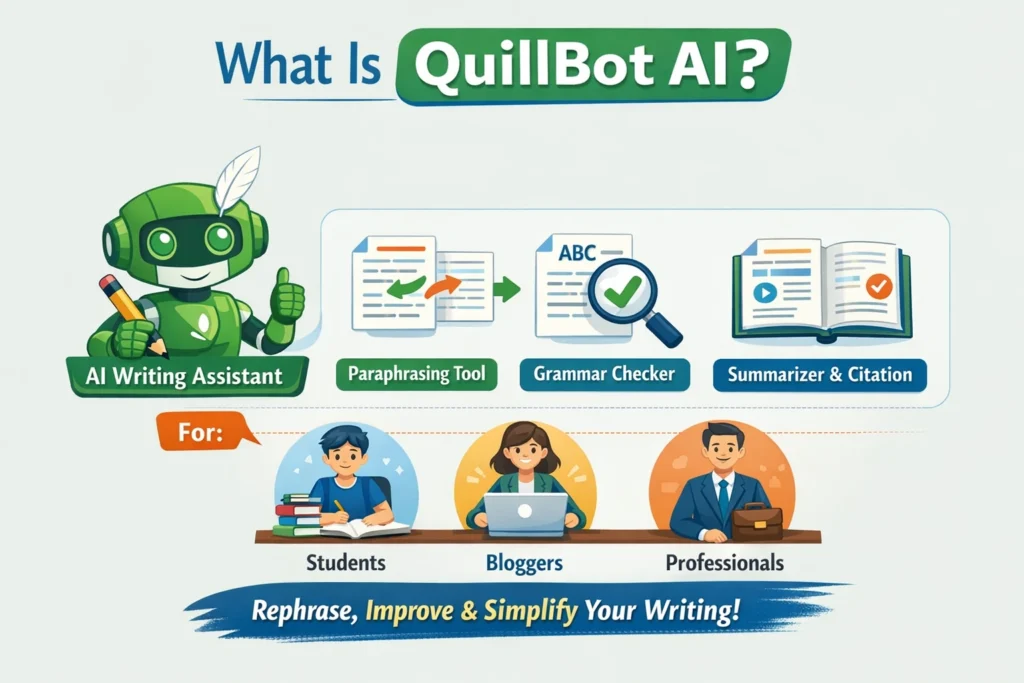
QuillBot AI is an AI-powered writing and paraphrasing tool designed to help users rewrite, improve, and optimize text without changing its original meaning.
At its core, QuillBot uses natural language processing (NLP) and machine learning models trained on large datasets of human language. Instead of generating random content, QuillBot focuses on rephrasing and enhancing existing text.
In simple words:
QuillBot helps you write better, clearer, and more natural English.
Who Created QuillBot AI?
QuillBot was founded in 2017 by Rohan Gupta, with a clear mission:
Make writing easier and more accessible for everyone.
What started as a simple paraphrasing tool quickly evolved into a complete AI writing suite used by students, professionals, and enterprises worldwide.
By 2025, QuillBot has crossed:
- Millions of daily active users
- Integration with Chrome, Microsoft Word, Google Docs
- Enterprise-level usage in education and business
Why QuillBot AI Became So Popular
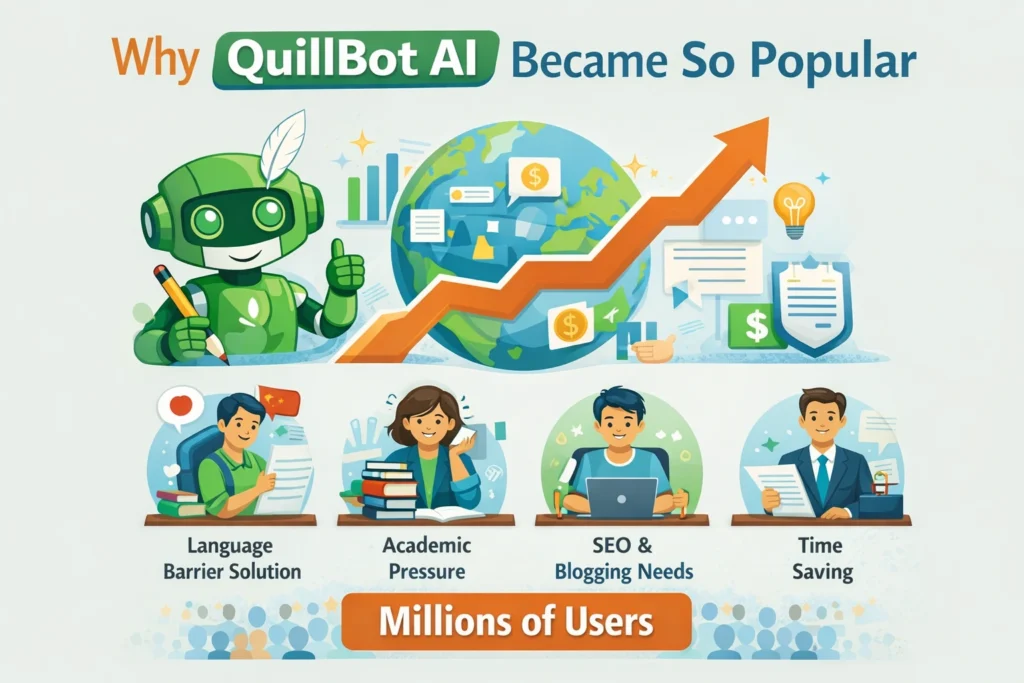
QuillBot didn’t become popular by hype alone. It solved real problems that writers face every day.
1. Language Barrier Solution
Millions of people worldwide think in their native language but need to write in English. QuillBot helps them sound fluent and professional.
2. Academic Pressure
Students use QuillBot to:
- Rephrase assignments
- Avoid repetition
- Improve clarity
- Maintain originality
3. SEO & Blogging Needs
Bloggers and marketers use QuillBot to:
- Rewrite content for uniqueness
- Improve readability score
- Optimize sentences for SEO
- Refresh old articles
4. Time Saving
Instead of rewriting paragraphs manually, users can rephrase content in seconds.
Core Philosophy of QuillBot AI
Unlike tools that try to replace writers, QuillBot follows a different philosophy:
“Human writing + AI refinement = best results.”
QuillBot is not meant to replace creativity. It is designed to enhance human writing, not remove it.
Main Features of QuillBot AI (Overview)
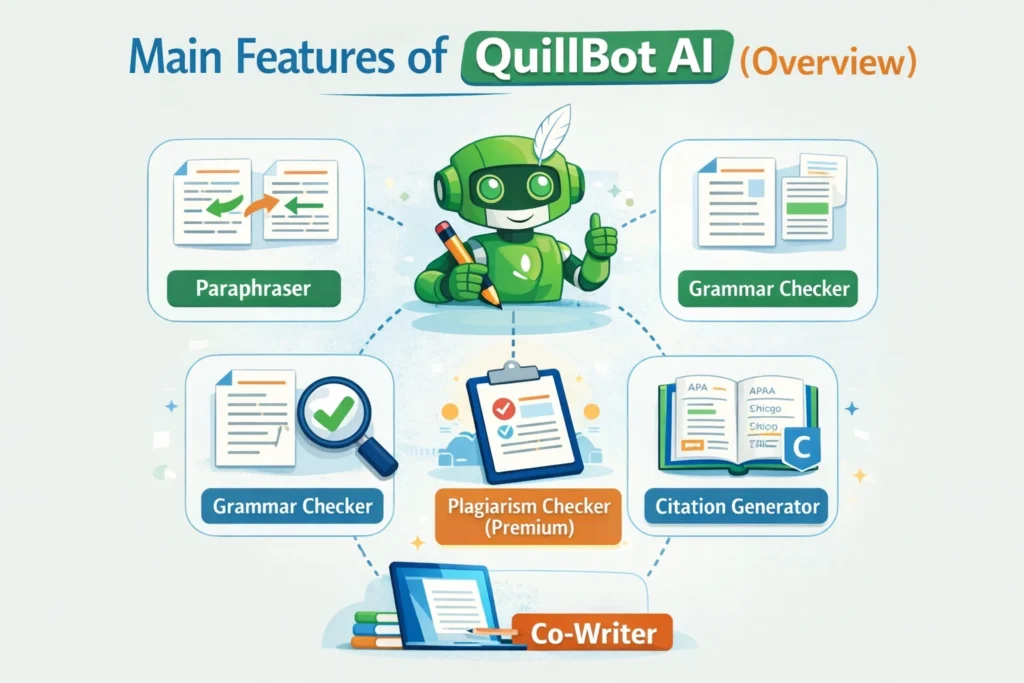
Before we go deep in later parts, here’s a high-level overview of QuillBot’s core features:
- Paraphraser – Rewrite text in multiple tones
- Grammar Checker – Fix grammar and sentence errors
- Summarizer – Shorten long content
- Citation Generator – Academic referencing support
- Plagiarism Checker – Originality checking (premium)
- Co-Writer – AI-assisted writing workspace
- Translator (limited) – Language support
- Extensions – Chrome, Word, Google Docs
Each of these will be explained in detail in Part 2 and Part 3.
QuillBot Paraphraser: The Tool That Made It Famous
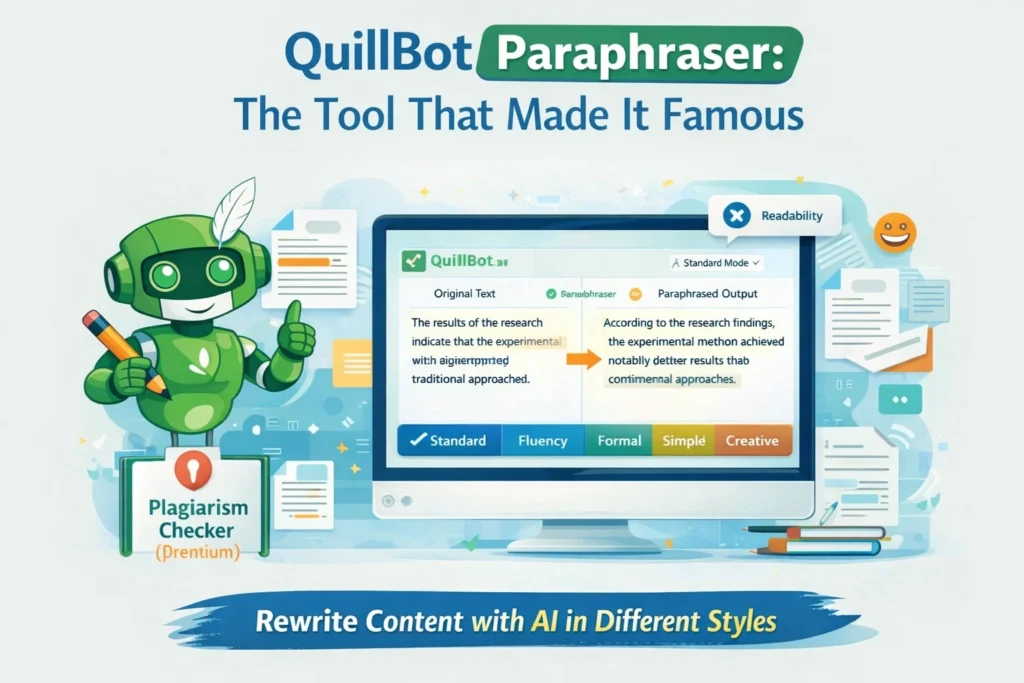
The QuillBot Paraphraser is the heart of the platform.
It allows users to:
- Rewrite sentences without changing meaning
- Adjust tone and formality
- Improve fluency and clarity
Paraphrasing Modes (2025)
QuillBot offers multiple modes such as:
- Standard
- Fluency
- Formal
- Simple
- Creative
- Expand
- Shorten
Each mode serves a different writing purpose, which makes QuillBot extremely flexible.
How QuillBot AI Works (Simple Explanation)
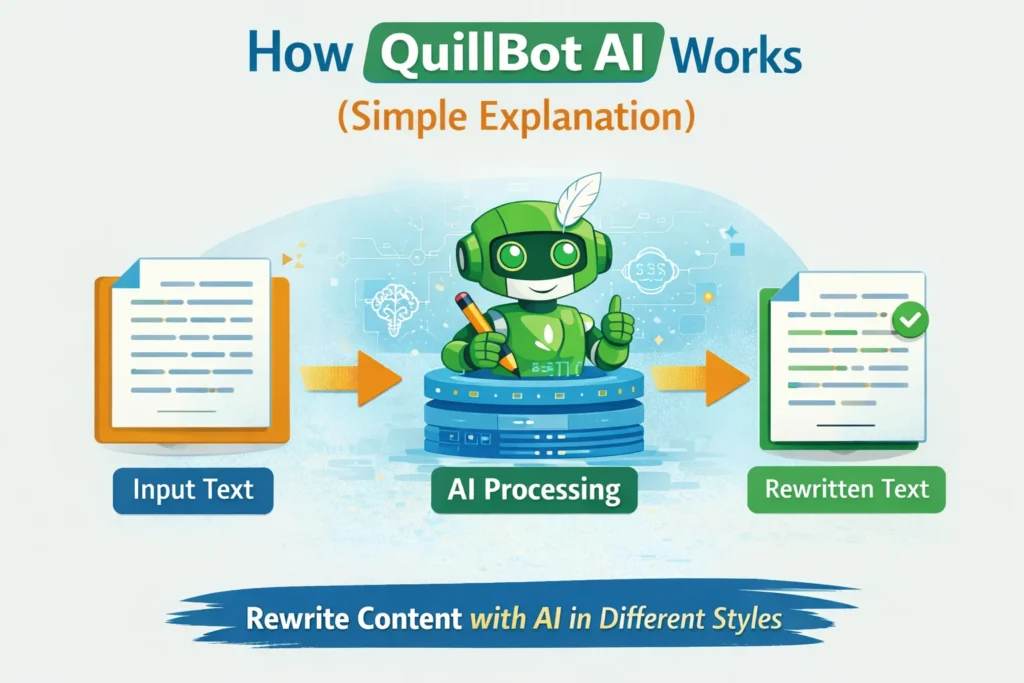
QuillBot works in 4 basic steps:
- Input Text – You paste or type your content
- Context Analysis – AI understands sentence meaning
- Rewriting Logic – Synonyms + sentence restructuring
- Human-like Output – Natural, readable text
The AI does not blindly replace words. It understands context, which is why QuillBot outputs sound more natural than basic paraphrasing tools.
Is QuillBot AI Free or Paid?
Free Version:
- Limited paraphrasing modes
- Word limits
- Basic grammar checks
Premium Version:
- All paraphrasing modes
- Higher word limits
- Faster processing
- Advanced plagiarism detection
- Full summarizer access
QuillBot’s freemium model is one reason it became so popular among students and beginners.
Is QuillBot AI Safe to Use?
This is one of the most searched questions on Google, and we’ll cover it in detail later.
Short answer:
✔ Yes, QuillBot is safe
⚠ But how you use it matters
Topics we’ll cover later:
- Data privacy
- Content ownership
- Academic ethics
- SEO risks
Why QuillBot AI Matters in 2025
In 2025:
- Content volume is exploding
- Google values helpful, clear, original content
- Poorly written content fails fast
QuillBot helps writers meet modern content standards without sounding robotic.
That’s why it continues to rank among the top AI writing tools globally.
How to Use QuillBot AI: Beginner-Friendly Step-by-Step Guide
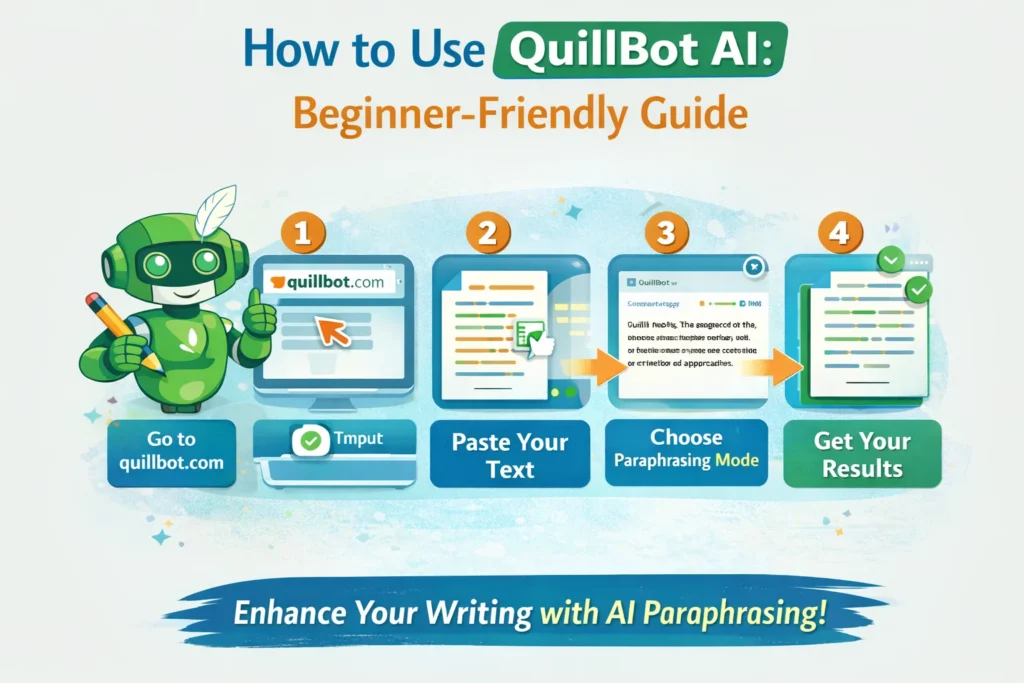
If you are new to AI writing tools, QuillBot is one of the easiest platforms to start with. You don’t need any technical knowledge, coding skills, or advanced writing background.
Step 1: Create a QuillBot Account
- Visit QuillBot’s official website
- Sign up using email or Google account
- You can start using the free version instantly
No credit card required for the free plan, which makes it ideal for beginners.
Step 2: Understand the QuillBot Dashboard
Once logged in, you’ll see a clean interface with multiple tools on the left panel:
- Paraphraser
- Grammar Checker
- Summarizer
- Citation Generator
- Plagiarism Checker (Premium)
- Co-Writer
The dashboard is designed to reduce distractions and keep the focus on writing.
QuillBot Paraphraser – Complete Beginner to Pro Guide
The Paraphraser is QuillBot’s most powerful and most-used feature.
How Beginners Should Use It
- Paste your text into the input box
- Select Standard Mode or Fluency Mode
- Click “Paraphrase”
- Review the output and manually tweak if needed
This alone can dramatically improve sentence clarity.
Advanced Paraphrasing Modes Explained (2025)
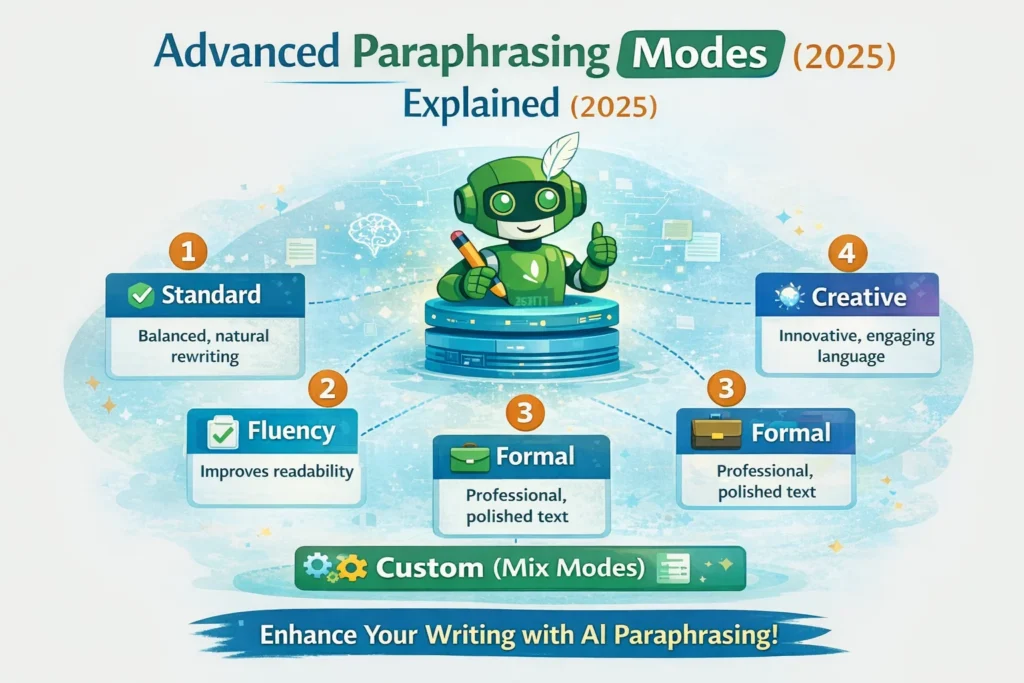
As you move from beginner to advanced user, understanding modes is critical.
1. Standard Mode
- Balanced rewriting
- Keeps original meaning intact
- Best for general writing
2. Fluency Mode
- Focuses on grammar and flow
- Ideal for non-native English writers
- Produces very natural sentences
3. Formal Mode
- Professional tone
- Best for academic papers, reports, emails
4. Simple Mode
- Breaks complex sentences
- Useful for beginners, blogs, and tutorials
5. Creative Mode
- Adds variety and expression
- Useful for storytelling and content ideas
6. Expand Mode
- Increases sentence length
- Helpful when content feels too short
7. Shorten Mode
- Removes unnecessary words
- Best for SEO optimization and summaries
👉 Pro Tip: Google prefers clarity over complexity. Fluency + Simple modes work best for SEO blogs.
Using QuillBot for Blogging & SEO Content
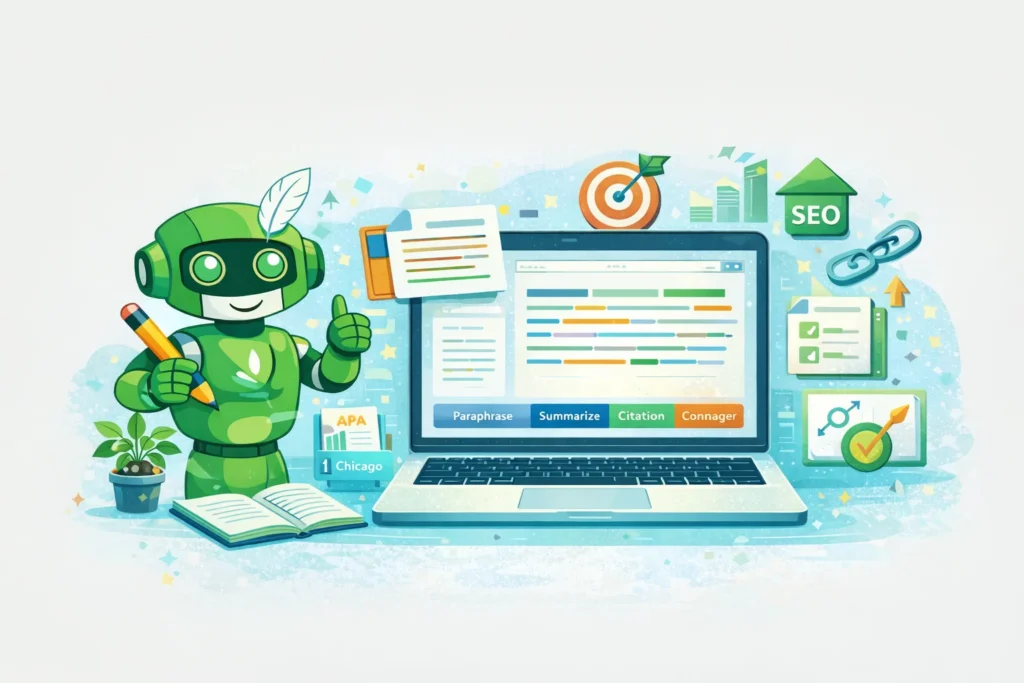
QuillBot is extremely popular among bloggers, especially in competitive niches like AI, tech, and marketing.
How Bloggers Use QuillBot Effectively
- Rewrite introductions for better engagement
- Improve readability score (Flesch Reading Ease)
- Avoid repetitive sentences
- Refresh old blog posts
- Optimize paragraphs for featured snippets
SEO Safety Tip
Never publish 100% AI-rewritten content blindly.
Always:
- Add your own examples
- Add opinions and insights
- Mix human creativity with AI assistance
This keeps your content Google-safe and AdSense-friendly.
QuillBot Grammar Checker – More Than Just Grammar
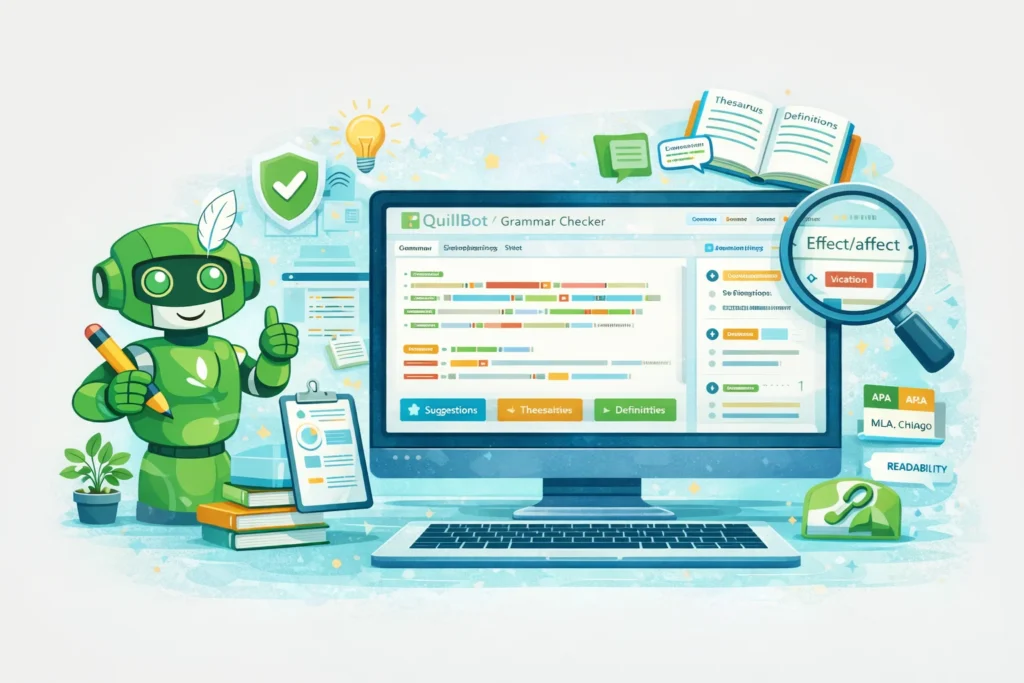
The Grammar Checker is not just about fixing mistakes.
What It Actually Does
- Corrects grammar errors
- Improves sentence structure
- Enhances tone and clarity
- Suggests better word choices
This tool is extremely useful for:
- Emails
- Client proposals
- Website copy
- Academic submissions
Unlike basic grammar tools, QuillBot focuses on contextual corrections, not just rules.
QuillBot Summarizer – Save Hours of Reading Time
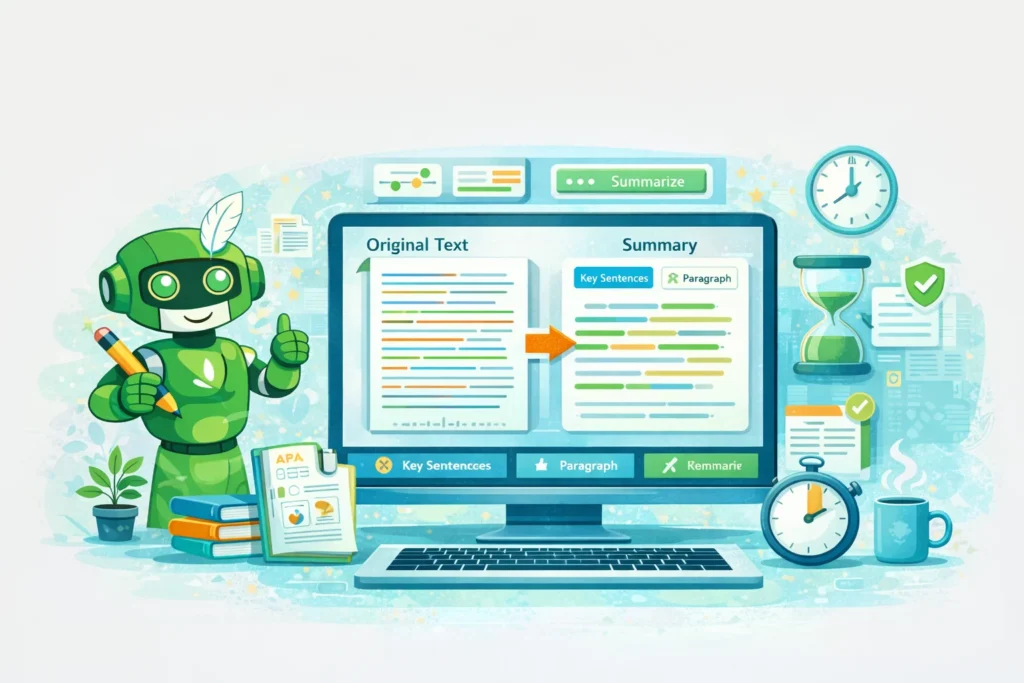
The Summarizer is a hidden gem, especially for students and researchers.
Use Cases
- Summarize research papers
- Shorten long blog posts
- Create quick notes
- Generate executive summaries
Two Modes:
- Key Sentences – Extracts important lines
- Paragraph Mode – Creates concise summaries
In 2025, information overload is real. This tool helps you consume content faster.
QuillBot Citation Generator – Academic Writing Made Easy
One of the biggest challenges in academic writing is proper citation.
QuillBot’s Citation Generator supports:
- APA
- MLA
- Chicago
- Harvard
Why This Matters
- Avoids plagiarism
- Saves time
- Ensures academic credibility
Students and researchers heavily rely on this feature.
QuillBot Co-Writer – AI-Assisted Writing Workspace
The Co-Writer combines:
- AI writing assistance
- Research
- Paraphrasing
- Grammar checking
All in one place.
Who Should Use Co-Writer?
- Bloggers writing long articles
- Students working on essays
- Freelancers handling multiple clients
Think of it as a smart writing desk powered by AI.
QuillBot for Students: Ethical & Practical Use
QuillBot is widely used in education, but usage must be ethical.
Ethical Student Use
- Improving grammar and clarity
- Rewriting personal drafts
- Summarizing notes
- Learning better sentence construction
Unethical Use (Avoid This)
- Submitting AI-rewritten content as original work
- Bypassing plagiarism policies
Many universities now use AI detection tools, so smart usage is critical.
QuillBot for Freelancers & Professionals
Freelancers use QuillBot to:
- Improve client drafts
- Rewrite content for different platforms
- Speed up delivery time
- Maintain consistent tone
Professionals use it for:
- Emails
- Reports
- Proposals
- Documentation
Time saved = more income opportunities.
Free vs Premium: Which One Should You Choose?
Free Version Is Enough If:
- You are a beginner
- You need basic paraphrasing
- You write occasionally
Premium Is Worth It If:
- You blog regularly
- You are a student or researcher
- You freelance or create content professionally
Premium gives more control, speed, and flexibility.
Common Beginner Mistakes to Avoid
- Copy-pasting output without review
- Overusing Creative mode for factual content
- Ignoring plagiarism checks
- Using AI to replace thinking
QuillBot is a tool, not a replacement for intelligence.
Why QuillBot Fits Perfectly in 2025 Content Workflow
In 2025, successful content creators:
- Write faster
- Edit smarter
- Publish higher-quality content
QuillBot fits perfectly into this workflow by acting as an AI writing assistant, not a content factory.
QuillBot AI (2025) – Ethics, Data Privacy, SEO Risks & Real Limitations
Why Ethics & AI Responsibility Matter in 2025
By 2025, AI writing tools like QuillBot are no longer “optional helpers.”
They influence:
- Academic writing
- Professional communication
- Online journalism
- SEO content
- Research and education
Because of this, ethical use of AI tools has become a global discussion.
Google, universities, and organizations now actively monitor:
- How AI tools are used
- Whether content is deceptive
- Whether users misuse AI to bypass originality
Understanding these risks is critical if you want to use QuillBot safely and long-term.
Ethical Use of QuillBot AI: What’s Allowed and What’s Not
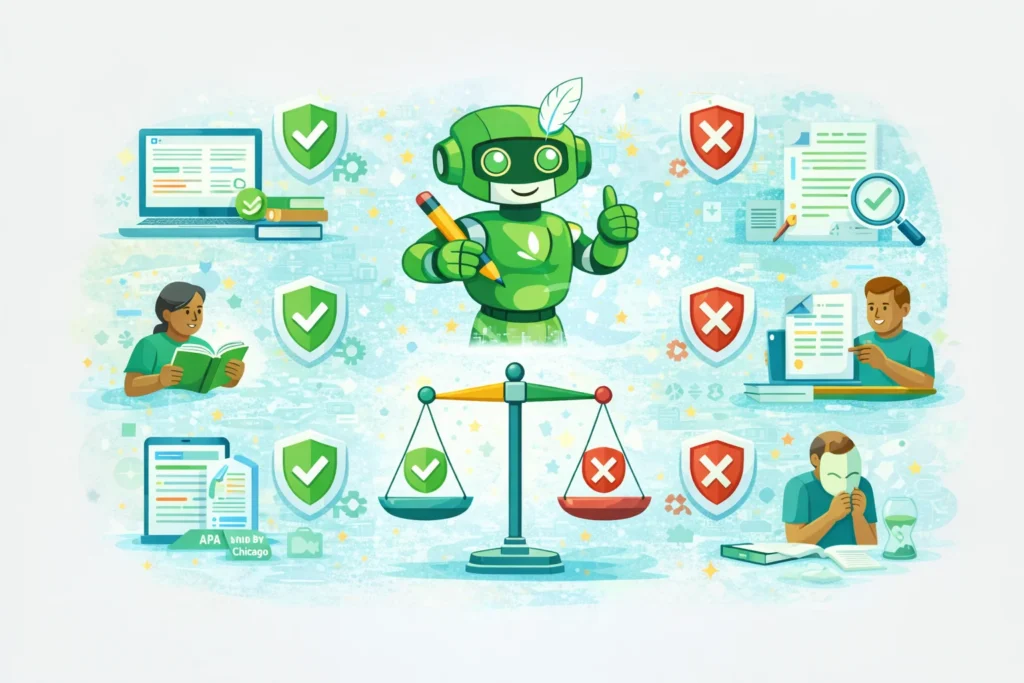
QuillBot itself is a neutral tool.
Ethics depend entirely on how the user applies it.
Ethical Uses of QuillBot AI
These are widely accepted and safe:
- Improving grammar and sentence clarity
- Rewriting your own drafts
- Enhancing readability
- Summarizing long content
- Learning better sentence construction
- Editing non-native English writing
These uses align with QuillBot’s original purpose: writing assistance.
Unethical Uses (High Risk – Avoid These)
Some practices can cause serious consequences:
- Submitting AI-paraphrased content as original academic work
- Using QuillBot to bypass plagiarism detection
- Rewriting copyrighted content and republishing it
- Creating mass low-quality SEO content
- Misrepresenting AI-generated text as human research
Many universities now consider this academic misconduct, and Google considers some of these practices low-quality or deceptive content.
Data Privacy Concerns: Is QuillBot Safe?
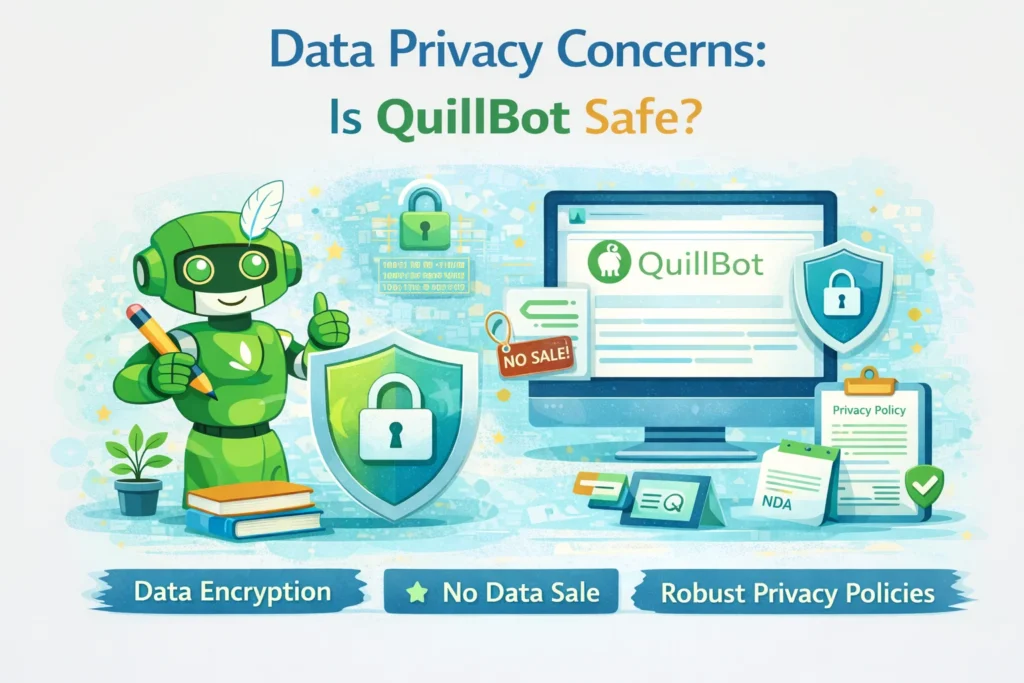
One of the most common Google searches is:
“Is QuillBot AI safe to use?”
Short Answer:
✔ Yes, QuillBot is generally safe
⚠ But users must understand how data is handled
What Data Does QuillBot Collect?
QuillBot may collect:
- Input text (temporarily, for processing)
- Usage data (for improvement)
- Account information
According to public policies:
- QuillBot does not claim ownership of your content
- Data is not publicly shared
- Content is processed to improve AI quality
However, like all cloud-based AI tools, 100% privacy can never be guaranteed.
What You Should NOT Upload to QuillBot
For safety reasons, avoid pasting:
- Confidential business documents
- Legal contracts
- Personal identity data
- Passwords or credentials
- Medical records
This applies to all AI tools, not just QuillBot.
Content Ownership: Who Owns the Output?
A major concern among writers is:
“Who owns text rewritten by QuillBot?”
General Understanding (2025)
- You retain ownership of your original content
- QuillBot does not claim copyright over rewritten text
- Responsibility for usage remains with the user
However, laws around AI-generated content are still evolving.
For professional or legal content, human review is essential.
AI Bias in QuillBot: A Hidden Limitation
Like all AI systems, QuillBot is trained on large datasets — and datasets can contain bias.
Types of Bias That Can Appear
- Language bias (Western English dominance)
- Cultural bias
- Formal tone preference
- Academic-style leaning
This means QuillBot may:
- Rewrite content in a tone that doesn’t match your culture
- Simplify or formalize ideas excessively
- Lose emotional nuance
Human editing is required to maintain authentic voice.
Can QuillBot Replace Human Writers?
This is a big fear in the writing industry.
Reality Check (2025)
❌ QuillBot cannot:
- Think creatively
- Generate original ideas from experience
- Conduct real-world research
- Understand emotions deeply
- Provide unique opinions
✔ QuillBot can:
- Improve sentence structure
- Save time
- Reduce grammar errors
- Help non-native speakers
So instead of replacing writers, QuillBot augments human productivity.
SEO Risks: Is QuillBot Content Safe for Google?
This is extremely important for your blog.
Google’s Stand on AI Content (Updated)
Google does not ban AI content.
Google bans low-quality, unhelpful, manipulative content.
That means:
✔ AI-assisted content is allowed
❌ AI-spam content is not
When QuillBot Content Is SEO-Safe
- You use it to refine your own writing
- You add original insights
- You provide real examples
- You satisfy search intent
- You write for humans, not bots
This aligns with Google’s Helpful Content Guidelines.
When QuillBot Content Becomes Risky
- Mass publishing paraphrased articles
- Rewriting competitor blogs without value addition
- Keyword stuffing after paraphrasing
- Publishing without human review
Such content may rank initially but will drop after core updates.
QuillBot vs AI Detection Tools
Many users ask:
“Can QuillBot bypass AI detectors?”
The truth:
- Some outputs may appear human-like
- But no AI tool guarantees detection bypass
- Detection tools are improving rapidly
Relying on AI to “fool” systems is not a sustainable strategy.
Academic Risks: Students Must Be Careful
Universities in 2025 now:
- Use AI-detection software
- Track writing patterns
- Monitor originality reports
Using QuillBot to:
✔ Improve language → Safe
❌ Rewrite entire assignments → Risky
Ethical usage protects both learning and credibility.
Transparency & Responsible AI Use
Responsible AI use means:
- Acknowledging AI assistance when required
- Using AI as a helper, not a shortcut
- Maintaining honesty in academic and professional work
QuillBot itself promotes responsible usage, but the final responsibility lies with the user.
Limitations of QuillBot AI
Despite its strengths, QuillBot has real limitations:
- Cannot fact-check information
- Cannot understand intent deeply
- Cannot replace subject-matter expertise
- Cannot generate original research
- Sometimes oversimplifies content
Understanding limitations helps you use the tool smartly.
Why Human + QuillBot Is the Best Combination
The most successful writers in 2025:
- Draft content themselves
- Use QuillBot for refinement
- Add personal insights
- Maintain authenticity
This hybrid approach produces:
✔ High-quality content
✔ SEO-safe articles
✔ Reader trust
✔ Long-term rankings
QuillBot AI (2025) – Final Verdict, Future Scope & FAQs
Is QuillBot AI Worth Using in 2025?
After analyzing QuillBot AI from every angle — features, usability, ethics, SEO safety, and limitations — one thing is clear:
👉 QuillBot AI is one of the most practical and reliable AI writing tools available in 2025.
It doesn’t try to replace writers.
Instead, it focuses on improving what humans already write.
This approach makes QuillBot especially valuable in a time when:
- Google prioritizes helpful content
- AI spam is being penalized
- Readers want clarity and authenticity
QuillBot fits perfectly into this ecosystem.
Who Should Use QuillBot AI?
QuillBot is not for everyone — and that’s a good thing.
Let’s break it down honestly.
✅ QuillBot Is Perfect For:
1. Students
- Improving grammar and clarity
- Summarizing notes
- Learning better sentence structure
- Academic citation support
(Used ethically, not for cheating)
2. Bloggers & Content Creators
- Refining blog drafts
- Improving readability
- Avoiding repetitive sentences
- Updating old articles
Especially useful in SEO-heavy niches like AI, tech, and marketing.
3. Freelance Writers
- Editing client content
- Speeding up delivery
- Maintaining tone consistency
- Reducing revision time
Time saved = more projects = more income.
4. Non-Native English Speakers
- Writing professional emails
- Improving fluency
- Sounding natural and confident
This is one of QuillBot’s biggest strengths.
5. Professionals & Corporate Users
- Reports
- Presentations
- Business communication
- Internal documentation
Who Should NOT Use QuillBot AI?
Being honest builds trust — so here it is.
❌ QuillBot Is NOT Ideal For:
- People trying to generate fully original content from scratch
- Users looking to bypass plagiarism or AI detection
- Mass content spammers
- Those who don’t review or edit AI output
- People expecting human-level creativity
QuillBot works best as an assistant, not a shortcut.
QuillBot AI vs Other AI Writing Tools (Quick Comparison)
In 2025, the AI writing space is crowded.
So where does QuillBot stand?
QuillBot Strengths:
- Best paraphrasing quality
- Clean, simple interface
- Academic-friendly tools
- Ethical focus on refinement
- Affordable pricing
QuillBot Limitations:
- Not a full content generator like ChatGPT
- Limited creativity compared to generative models
- Depends on user input quality
This makes QuillBot complementary, not competitive, to tools like ChatGPT, Gemini, or Claude.
Future of QuillBot AI (2025–2030)

The future of QuillBot looks strong.
Expected Improvements:
- Smarter paraphrasing with context memory
- Better multilingual support
- Improved AI detection transparency
- More academic compliance features
- Deeper integration with writing platforms
As AI regulation increases, tools like QuillBot — which focus on ethical usage — are likely to grow, not decline.
Will QuillBot AI Be Safe for Google & AdSense in the Future?
Based on current trends:
✔ Yes, if used responsibly
Google is not against AI.
Google is against low-quality, manipulative content.
QuillBot supports:
- Clear writing
- Helpful content
- Human-AI collaboration
This aligns with Google’s Helpful Content System, making it relatively future-proof.
Final Thoughts: Should You Use QuillBot AI?
If your goal is:
- Better writing
- Clear communication
- Faster editing
- Improved readability
- Ethical AI usage
👉 QuillBot AI is absolutely worth using in 2025.
The smartest users don’t ask:
“Can AI write for me?”
They ask:
“How can AI help me write better?”
QuillBot answers that question perfectly.
FAQs
1. What is QuillBot AI used for?
QuillBot AI is used for paraphrasing, grammar checking, summarizing text, citation generation, and improving writing clarity without changing meaning.
2. Is QuillBot AI free to use?
Yes, QuillBot offers a free plan with limited features. Premium plans unlock advanced paraphrasing modes, higher limits, and plagiarism checking.
3. Is QuillBot AI safe for Google SEO?
Yes, QuillBot is SEO-safe when used to refine human-written content. Avoid mass AI rewriting without adding original value.
4. Can QuillBot AI replace human writers?
No. QuillBot improves writing quality but cannot replace creativity, original thinking, or subject expertise.
5. Is QuillBot allowed in academic writing?
QuillBot is allowed for grammar improvement and paraphrasing, but using it to submit AI-rewritten work as original may violate academic policies.
6. Does QuillBot AI check plagiarism?
Yes, QuillBot offers a plagiarism checker in its premium plan.
7. Can QuillBot AI bypass AI detection tools?
No AI tool can guarantee bypassing AI detection. Responsible and transparent use is recommended.
8. Who owns content rewritten by QuillBot?
You retain ownership of your content. QuillBot does not claim copyright over rewritten text.
9. Is QuillBot better than Grammarly?
QuillBot is better for paraphrasing and rewriting, while Grammarly excels in grammar correction. Many users use both together.
10. Is QuillBot worth paying for in 2025?
Yes, for students, bloggers, and professionals who write regularly, QuillBot Premium offers excellent value.